Best Softwares For Scheduling
On this page
What are the best scheduling software sites?
There’s no single best scheduling tool. The right fit depends on your business type and what you actually need beyond basic booking. The quickest way to narrow it down is to eliminate tools that don’t match your requirements, then trial the remaining options.
Core features to look for in any scheduling app:
- Create and manage real-time meetings
- Display time, venue, and meeting details in a dashboard
- Sync with Gmail and online calendars
- Show your live availability to others
- Offer an integrated meeting or booking interface
- Provide a personalized booking page for clients
- Show analytics on bookings, cancellations, and no-shows
- Include screen sharing for virtual sessions
For small to medium businesses that need more than calendar syncing, business management tools like Scoro, Basecamp, or Teamleader are worth considering. They combine scheduling with to-do lists, automated follow-ups, shared calendars, work progress tracking, and expense management.
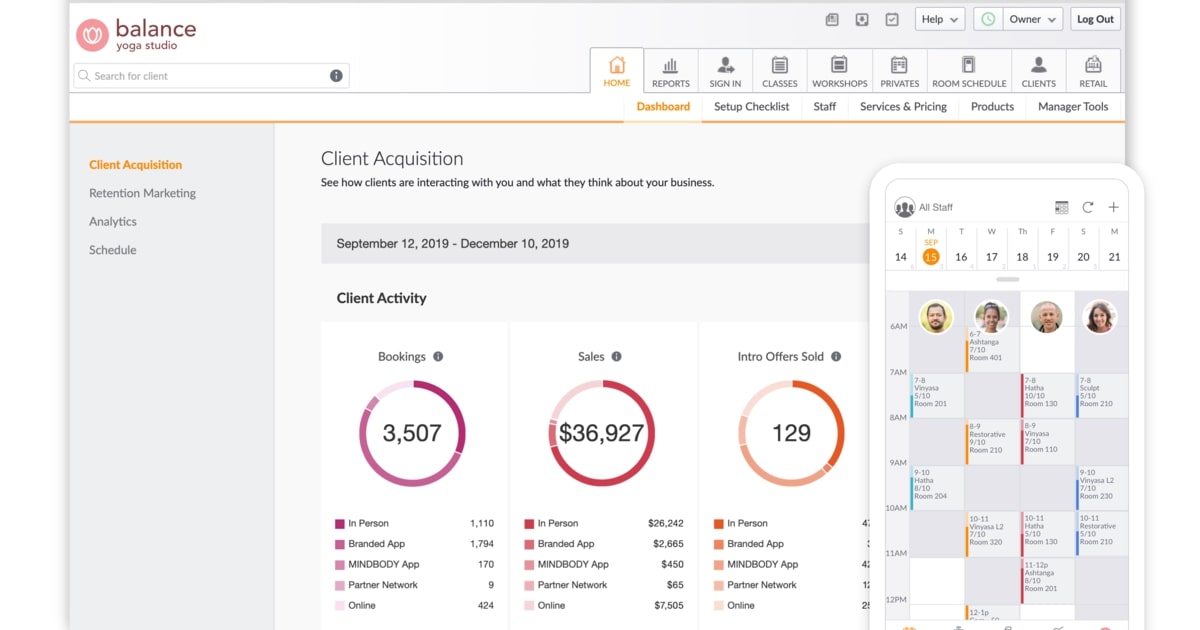
For healthcare and wellness businesses, vertical tools like Salon Iris, Mindbody, Book4Time, and Gettimely are purpose-built. They handle online booking, calendar sync, inventory management with stock alerts, client record storage, and automated booking reminders. Look for iOS and Android app availability and CRM integration for marketing.
For construction businesses, Wrike and Smartsheet are well-suited to the environment. Both support Gantt charts, scheduling calendars, workload views for resource management, project progress updates, and auto-assigning tasks through custom forms.
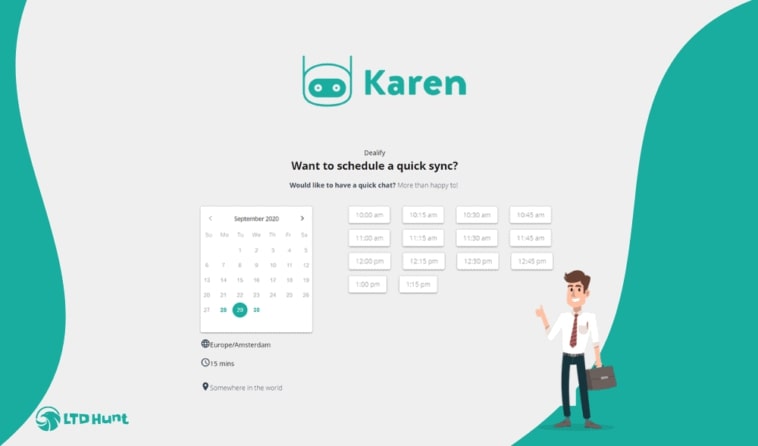
For general SMBs, Calendly, FrontDeskChat, Acuity, and Cronofy cover the essentials. FrontDeskChat handles both appointment booking and meeting scheduling. Clients can book, pay, and receive reminders in one flow. It tracks appointments per week, missed bookings, cancellations, and new client additions. Free plan available; paid plans start at $8 per month.