Top Business Booking Apps
Published
The best business booking apps handle payment processing, CRM, calendar sync, and automation together, so you never need to manually manage a booking.
What separates top apps from mediocre ones:
- Payment integration (clients expect to pay at booking)
- Real-time calendar sync (prevents double-bookings)
- Automated reminders (cuts no-shows by 25 to 40%)
- Client history and CRM (repeat clients book faster)
- Video meeting links (one-click join, no setup friction)
- Team collaboration (if you have staff)
Top booking apps for SMBs:
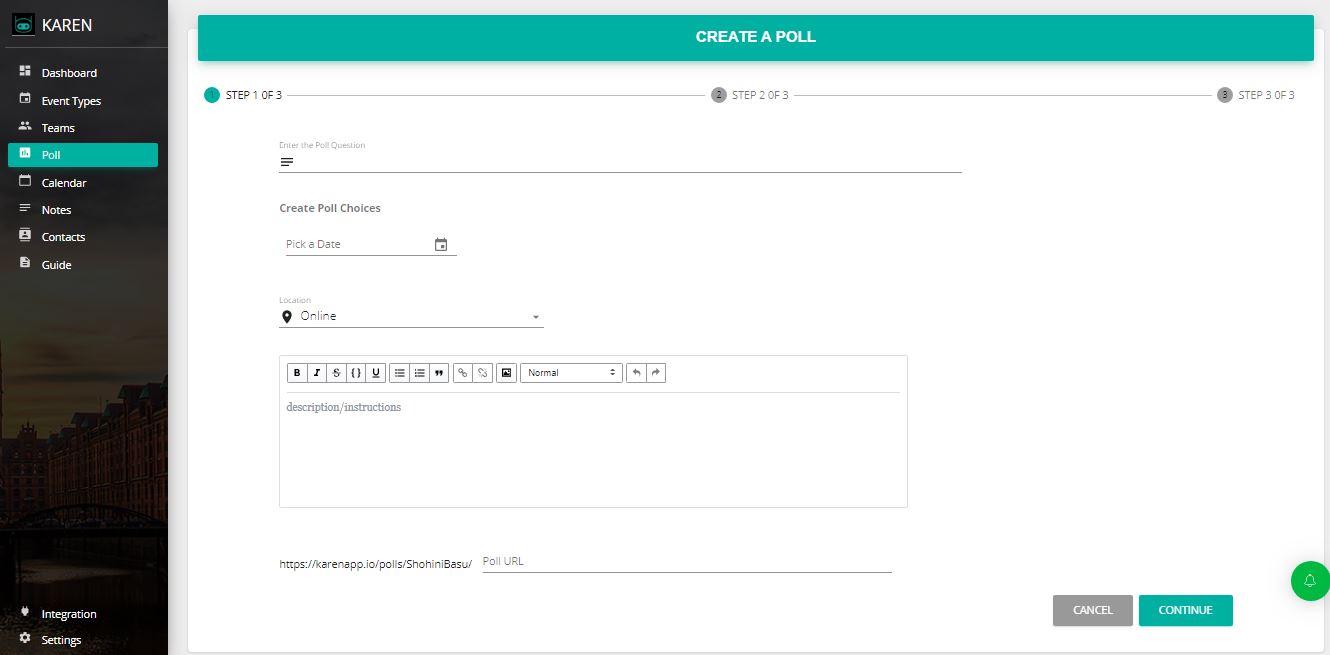
FrontDeskChat
What makes it stand out:
- Unlimited bookings on the free tier (most apps limit free users to 5 to 10 per month)
- Built-in payments, no external Stripe account needed
- CRM for client history and follow-ups
- Shift scheduling alongside appointment booking
- Zapier integration for 1,500+ app connections
- Client chat channel for direct communication
- SMS and email reminders
- Pricing: Free tier; paid plans start at $8/month
- Best for: Solopreneurs wanting one platform; teams needing shift scheduling
Acuity Scheduling
What makes it stand out:
- Multiple payment methods: Stripe, Square, and PayPal
- Advanced reporting on no-shows, revenue, and performance
- Customizable intake forms to collect exactly what you need
- Coupons and discount codes
- Calendar sync with Google, Outlook, and iCal
- Video meeting integration with Zoom, Google Meet, and GoToMeeting
- Pricing: $16/month (Emerging) to $99+/month (Powerhouse) as of 2026
- Best for: Coaches, consultants, and agencies billing hourly
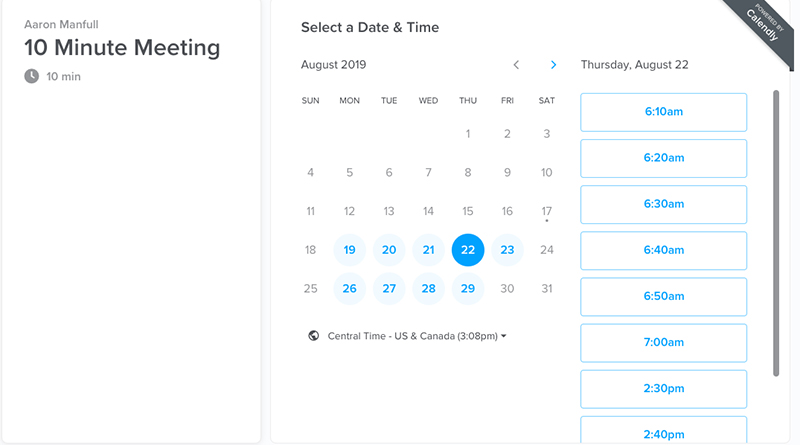
Calendly
What makes it stand out:
- Easiest setup of any scheduling tool (under 5 minutes)
- Automatic time zone detection
- Calendar sync with Google, Outlook, and Yahoo
- Free tier is genuinely useful for basic scheduling
- Limitations: Limited CRM features; better for simple scheduling than relationship management
- Pricing: Free; paid plans start at $10/month (2026)
- Best for: Individual consultants and coaches who don’t need CRM
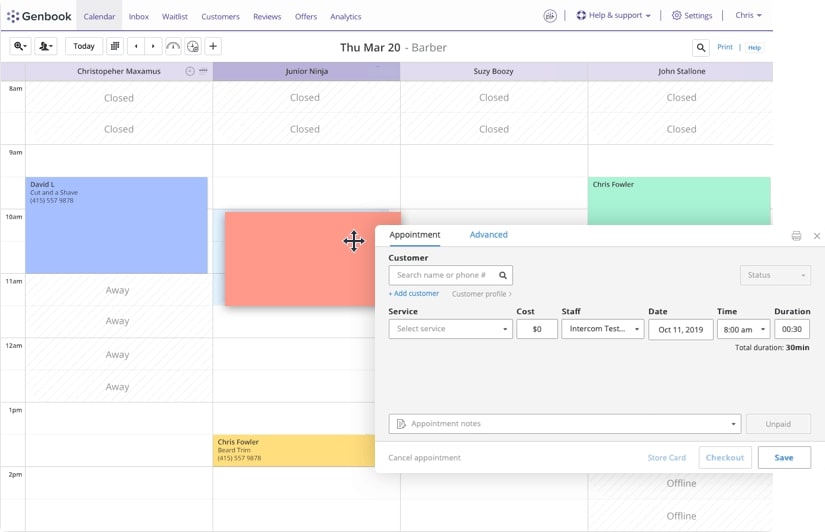
Genbook
What makes it stand out:
- Real-time sync with Google Calendar, iCal, Siri, and Constant Contact
- Client history dashboard showing repeat booking patterns
- Connects with local search, social media, and directories in real time
- Automatic double-booking prevention
- Supports teams of 5 to 12 users
- Payment processing included
- Best for: Local service businesses like salons, spas, and fitness studios
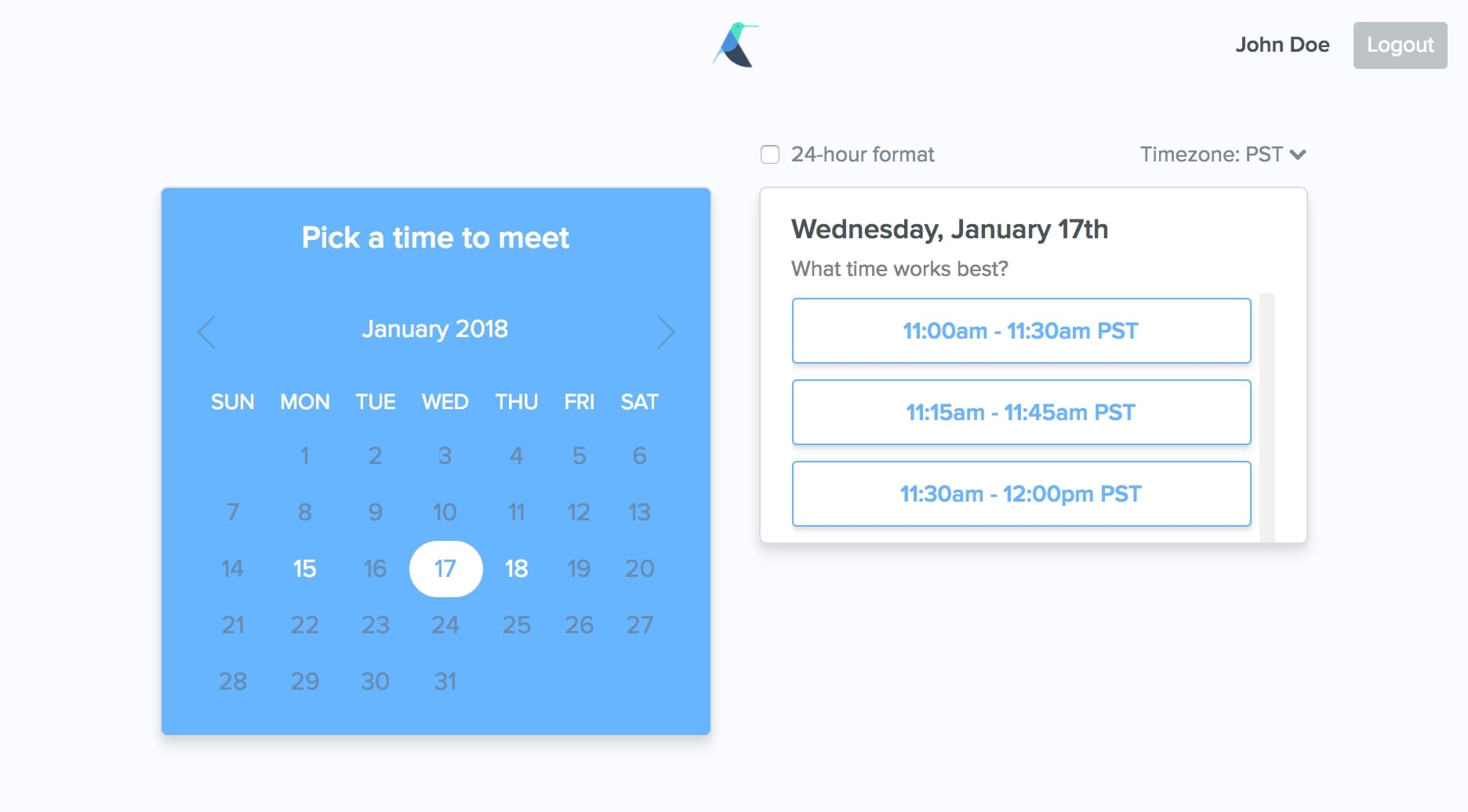
Meetingbird (Free)
What makes it stand out:
- No separate account needed; uses Google or Office 365 login
- Chrome extension integrates scheduling directly inside Gmail
- Free forever
- Integrates with Zoom, Google Meet, Slack, and Zapier
- Limitations: Basic features only; no CRM; better for meetings than appointments
- Best for: Solopreneurs testing scheduling; freelancers with light booking needs
How to evaluate for your business:
- Do you need payment processing? (Yes: FrontDeskChat, Acuity, or Genbook)
- Are you solo or managing a team? (Team: Genbook or Acuity; Solo: Calendly or FrontDeskChat)
- Do you offer high-ticket services that need detailed reporting? (Yes: Acuity)
- Are you a local service business like a salon or fitness studio? (Yes: Genbook)
- Is your budget under $10/month? (Yes: Meetingbird free or Calendly free tier)
Quick comparison:
| App | Payment | CRM | Team ready? | Free tier? |
|---|---|---|---|---|
| FrontDeskChat | Yes | Yes | Yes | Yes (unlimited) |
| Acuity | Yes | Basic | Limited | 14-day trial |
| Calendly | Limited | No | No | Yes (limited) |
| Genbook | Yes | Yes | Yes (5 to 12) | Varies |
| Meetingbird | No | No | No | Yes |
Frequently asked questions about Top Business Booking Apps
What features are essential in a top-tier booking app?
Payment processing, calendar sync, automated reminders, CRM tracking, and video meeting integration. Any app missing these will create ongoing manual work for you or your staff.
Should I choose a free app or pay for premium?
If you book 5 or more appointments per month, paid apps from $15 to $50 per month save more time than they cost. Free apps work for testing or very light use.
Can I integrate a booking app with QuickBooks for accounting?
Most modern apps integrate via Zapier or direct API. QuickBooks is widely supported. If it’s not listed in the integration directory, ask support before committing.
Do all top booking apps sync with Google Calendar in real time?
Most do, but some sync one way only. Confirm whether changes in Google Calendar update the booking tool, or whether sync only goes from the booking tool to Calendar.
Which booking app is best for a small team of 2 to 5 people?
Genbook, FrontDeskChat, or Acuity all handle small teams well. Meetingbird is designed for individuals and lacks team management features.
What's the most common mistake when picking a booking app?
Choosing a free tool to save money, then spending 10 or more hours per month managing bookings manually. A $20/month app that automates reminders and confirmations pays for itself in the first week.
How do I evaluate a booking app's client experience before committing?
Book a test appointment as a client during the free trial. Check the confirmation email, verify the meeting link works, test the mobile experience, and confirm reminders arrive on schedule. The client experience matters as much as the admin experience.