Group Appointment
Group appointments require balancing everyone’s availability while keeping the booking process frictionless. The best tools combine voting polls with automatic calendar sync.
Scenarios for group appointments:
Finding a time for a standing meeting (team standup, recurring 1-on-1s)
- Problem: “What time works for everyone?”
- Solution: Doodle poll to find consensus, then FrontDeskChat or HubSpot for booking
- Why: Doodle shows everyone’s availability, then you lock in recurring slots
Client booking a call with your team (consultant, accountant, and lawyer)
- Problem: Client needs to meet multiple people with different availability
- Solution: FrontDeskChat group scheduling or HubSpot
- Why: Shows open times only when all team members are free
Internal team meeting scheduling
- Problem: Coordinating 5 or more people across time zones
- Solution: HubSpot, FrontDeskChat, or Calendly with team features
- Why: All calendars sync and conflicts auto-hide
Top tools for group appointments:
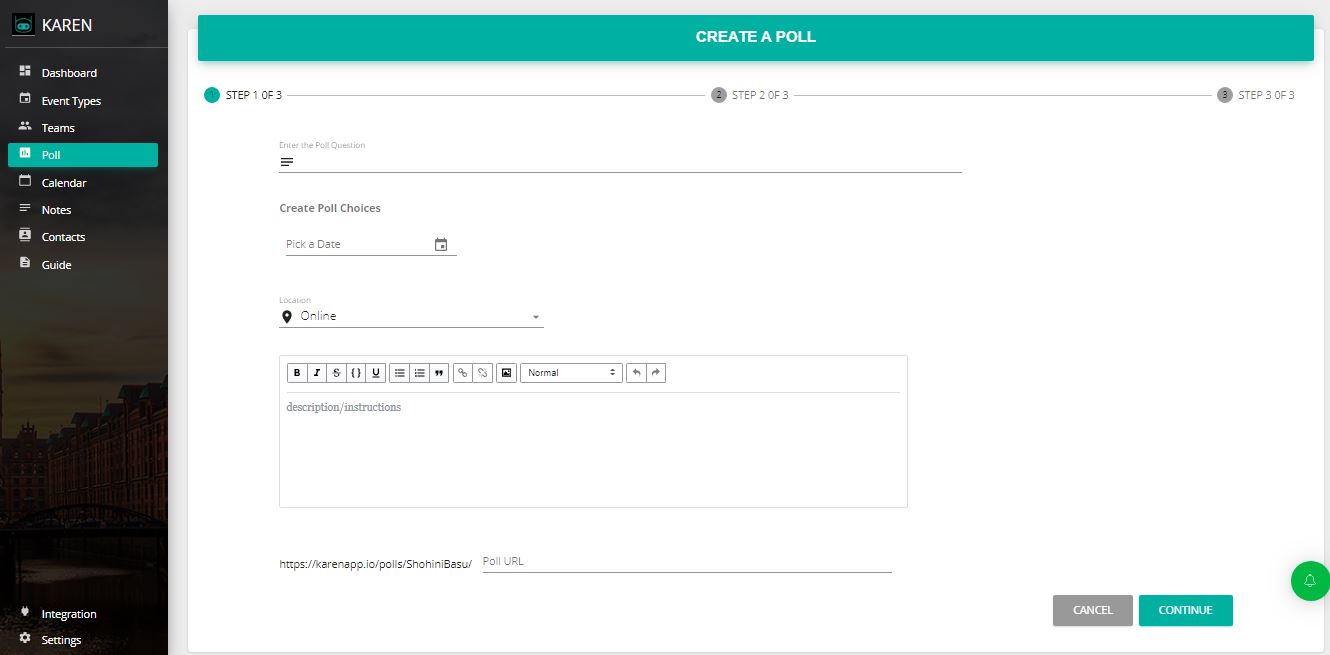
Doodle (best for finding consensus)
How it works:
- Propose 3 to 4 time slots (more options reduce response rates)
- Share a link with attendees
- Each person marks which times work
- Results show the best slot by vote count
Features:
- No login required for attendees
- Works across time zones automatically
- Shows all proposals and votes in real time
- Integrates with Slack, Teams, and Google Calendar
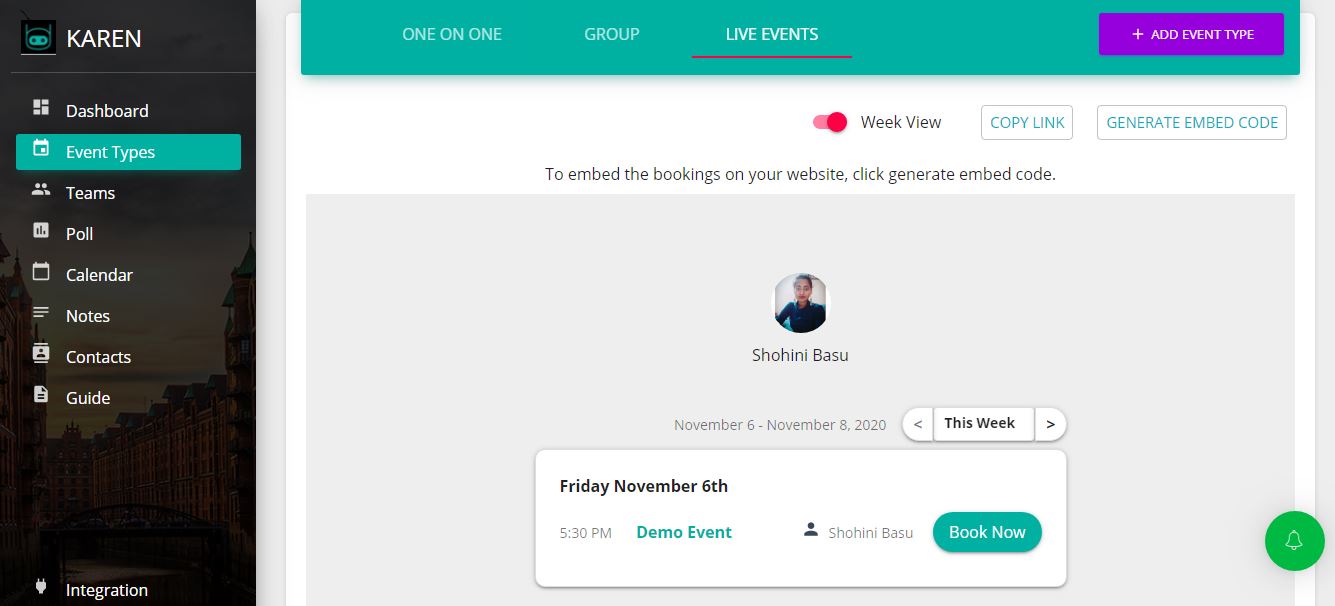
FrontDeskChat (all-in-one group scheduling)
How it works:
- Create a group booking page with attendee options
- Client selects their preferred time
- System checks all team members’ calendars
- Client sees only slots when everyone is free
- Calendar invites auto-send to all attendees
Features:
- Multiple staff member support
- Automatic calendar sync (Google, Outlook, iCal)
- Time zone conversion
- Auto-generated meeting links (Zoom, Google Meet, GoToMeeting)
- Automated reminders via SMS and email
- Post-meeting feedback forms
- Analytics dashboard
- Zapier integration with 1,500+ apps
HubSpot Meetings (best for sales teams)
How it works:
- Sales rep shares a booking link with the prospect
- System shows times when the rep and support team are both free
- Prospect picks a time
- Calendar invite goes to all parties
- Meeting auto-logs in CRM with attendee notes
Features:
- Free CRM tier
- Shows attendee history (deals, past calls)
- Auto-saved meeting notes
- Post-meeting task creation
- Email reminder automation
- Team calendar visibility
Step-by-step: Schedule a group appointment
Option 1: Doodle then FrontDeskChat (best for consensus)
- Create a Doodle poll with 3 to 4 time options
- Share with attendees and wait for votes (most respond within 2 to 4 hours)
- Identify the winning time slot
- Create a group booking in FrontDeskChat for that time
- Share the link with the client for confirmation
- Automated reminders send day-before and one hour before
Option 2: Direct group booking (FrontDeskChat or HubSpot)
- Create a group booking page with all team members added
- System shows only times when all are free
- Share the link with the client
- Client books and calendar invites auto-send
- Reminders auto-send
Tips for group appointments:
- Sync team calendars first. FrontDeskChat, HubSpot, and Calendly need calendar connections before you go live.
- Agree on buffer time. Add 15-minute gaps between back-to-back meetings for travel, notes, and mental breaks.
- Set time zone expectations. Show times in attendees’ local time, not yours. Most tools auto-detect this.
- Use reminders consistently. One reminder reduces no-shows by 20 to 30 percent. Two reminders reduce them by 40 percent or more.
- Test with a colleague first. Book a fake meeting, verify the calendar invite arrives, confirm the time is correct in the recipient’s time zone, and check that the meeting link works.
Common mistakes:
- Not checking all attendees’ calendars (creates conflicts)
- Sending meeting links via email instead of through the booking tool
- Not setting reminders
- Using separate tools for voting and booking (causes confusion)
- Not accounting for time zones