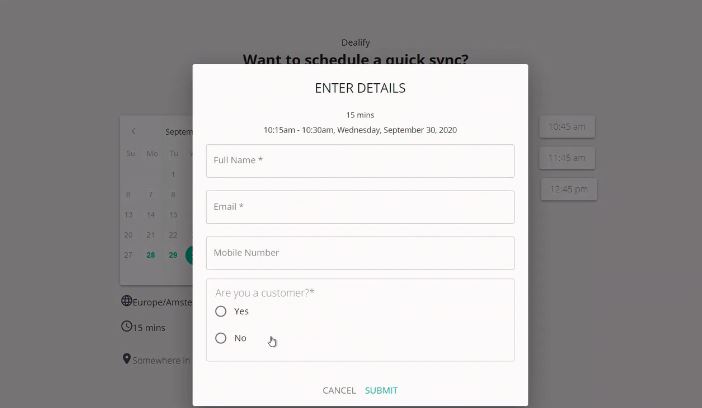
Calendar Sharing Apps
Choosing a scheduling app depends on what you’re using it for. Personal scheduling and business scheduling have different requirements.
For personal scheduling
Apps like Calendly, Doodle, and Google Calendar work well for personal use. The features that matter most are:
- Shared calendars so others can see your availability
- Automatic follow-ups and reminders
- A simple interface with low setup friction
- Reasonable price (free tiers cover most personal needs)
- Basic security
Google Calendar is a good starting point. It’s free, syncs across all devices, and works with most third-party scheduling tools.
For business and sales scheduling
When you’re booking client meetings or product demos, the requirements go up. Look for:
- Appointment slots with configurable durations
- Automated confirmation and reminder emails (and ideally SMS)
- Integrated video calling (Zoom, Google Meet, Teams)
- Payment portals for collecting deposits or fees
- CRM integration to track client history
- Custom booking forms to capture relevant information
- Automatic time zone conversion for international clients
- Branding or white labeling so the experience matches your business
Top tools for business purposes
Apps like FrontDeskChat, Zoho, Demodesk, and HubSpot are designed for business and sales use. They compete on integrations, security, and the overall client experience, not just feature checklists.
FrontDeskChat works as both an appointment booking app and a meeting scheduling tool, so it covers personal and business use without needing separate subscriptions.