Shift scheduling tools

Published
On this page

The right shift scheduling tool removes the back-and-forth from rota management. Employees see their schedules without asking. Managers make changes once and everyone knows. Conflicts surface before they cause problems.

Key features to look for:

  • Employee calendar sync (Google, Outlook)
  • Automatic conflict detection
  • Fair hour distribution
  • Mobile app for shift updates
  • Payroll integration
  • Customer-facing booking calendar

Here are three tools that cover these bases.

Acuity Scheduling

Acuity is built for service businesses managing both employee shifts and client appointments. It includes:

  • Customized email and SMS confirmations for shift assignments
  • Client management with appointment history
  • Automated reminders for upcoming shifts
  • Payment processing through Stripe, Square, or PayPal
  • Discount coupons and vouchers for service pricing
  • Detailed reports on no-shows and staff performance
  • Availability optimization to maximize bookings and reduce gaps
  • Zoom, Google Meet, and GoToMeeting integration for remote sessions

Pricing: Plans start at $20 per month; higher tiers unlock advanced team features.

FrontDeskChat

FrontDeskChat handles both client-facing booking and internal shift management on a single platform. It includes:

  • Unlimited appointment bookings with no per-booking fees
  • Shift assignment across multiple employees
  • Text and email reminders (SMS and email)
  • No-show rate tracking
  • Appointment history and client records
  • Zoom integration for remote sessions
  • Zapier connection to 1,500+ apps
  • Client self-service booking

Best for: Small to medium teams that need transparent shift tracking alongside a customer-facing booking system.

Calendly

Calendly works for both shift scheduling and appointment booking. It supports:

  • Customizable time slot types (30-minute, round-robin, group, one-on-one)
  • Automatic sync with Google, Outlook, or Yahoo calendars
  • Real-time availability updates
  • No double-booking

Limitation: Better suited for appointment booking than complex shift management. Multi-employee shift balancing is limited compared to purpose-built tools.

How to choose:

  1. Start with your hardest requirement. Payroll integration? Multi-employee shift swaps? Client booking on the same system? Identify it first.
  2. Test mobile usability. Most employees check shifts on their phones. A poor mobile experience kills adoption.
  3. Check reporting. You’ll need hours worked, no-shows, and shift coverage data for compliance and payroll.
  4. Verify your integrations. If you use Zapier, Slack, or a specific payroll tool, confirm compatibility before committing.
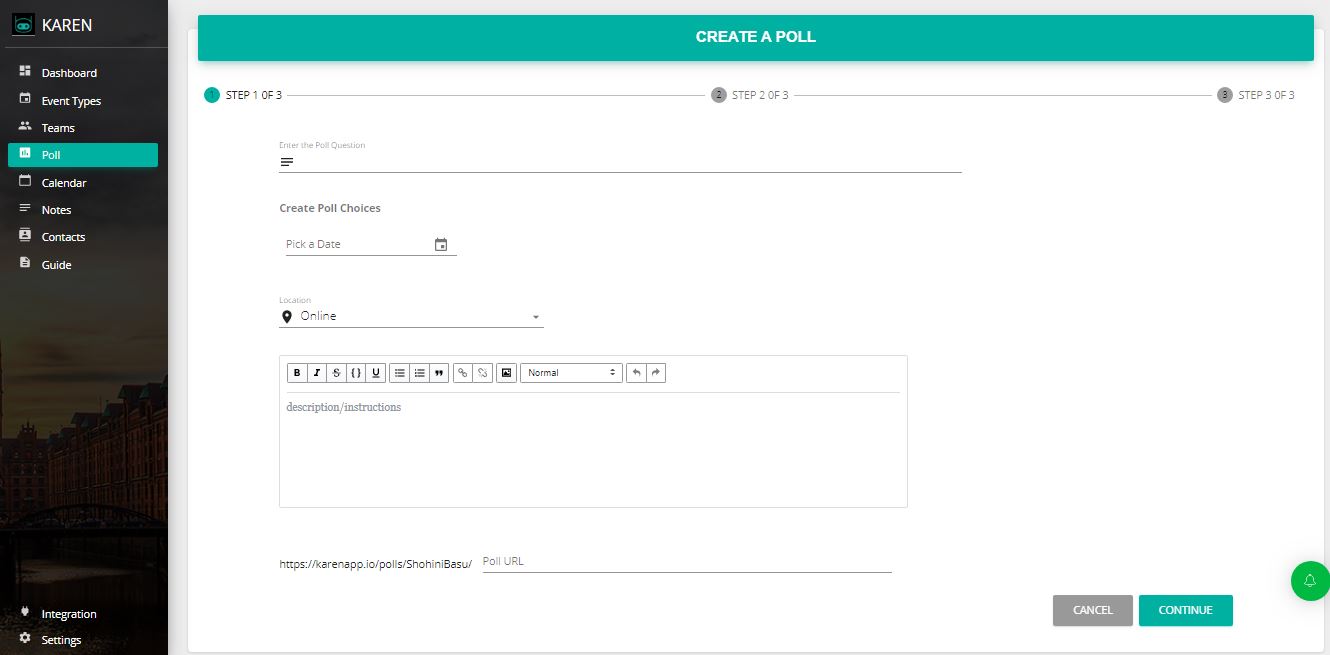
FrontDeskChat shift scheduling dashboard showing employee shift assignments and availability overview

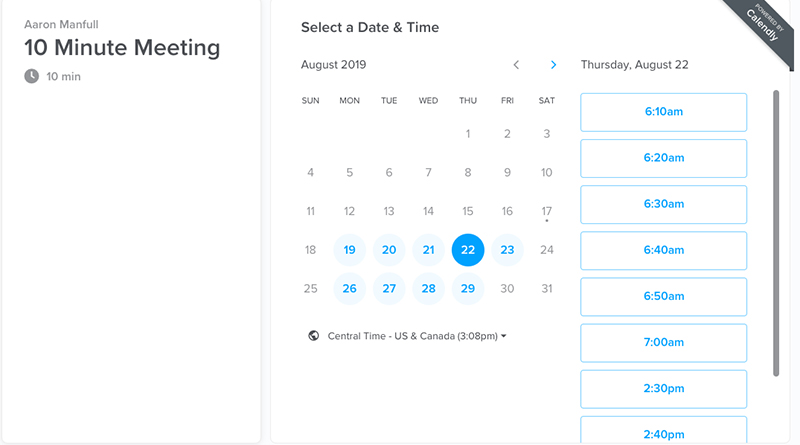
Calendly team scheduling interface showing meeting type configuration and calendar sync status

Get started free

Frequently asked questions about Shift scheduling tools

Can shift scheduling tools automatically balance employee hours?
Most advanced shift scheduling apps can analyze employee availability and distribute hours fairly. You’ll need to set up employee calendars and availability preferences first, but once that’s done the system handles the balancing automatically and flags conflicts before they become problems.
Do shift scheduling tools integrate with payroll systems?
Many do. Tools like Acuity and FrontDeskChat connect with major payroll platforms through direct integrations or Zapier. Check the integrations section of any tool you’re evaluating to confirm compatibility with your specific payroll provider.
Can employees view their shifts and swap with coworkers?
Most modern shift scheduling tools show employees their assigned shifts in real time and allow them to request changes or swaps. Some support direct peer-to-peer swaps with automatic manager notification; others require manager approval at every step.
What's the difference between shift scheduling and appointment scheduling?
Shift scheduling manages recurring employee work blocks: who works when. Appointment scheduling manages client bookings: when customers can visit. Some tools handle both. FrontDeskChat, for example, covers both client-facing booking and internal shift management on the same platform.
Can I embed a shift schedule on my website?
Most scheduling platforms let you embed a booking widget on your website so clients can see available slots and book directly. The internal shift schedule itself is not typically shared publicly, but the resulting availability is what drives what clients see on your booking page.
Does Acuity Scheduling still start at $15 per month?
Acuity’s pricing has changed since earlier versions of this guide. As of 2026, plans start at $20 per month for a solo user. Always verify current pricing on the Acuity website before budgeting, as pricing has been updated multiple times.
What should I prioritize when choosing a shift scheduling tool?
Start with your most complex requirement. If you need payroll integration, prioritize that. If your staff swap shifts frequently, prioritize self-service swap features. If clients book directly, you need a customer-facing booking layer too. Nail down your top two or three non-negotiables and use those to filter the options.
Start free