Scheduling For Business
Published
The best scheduling tool depends on your business model. Solopreneurs need simplicity. Growing teams need automation. Enterprises need integration and reporting.
Before choosing, ask these questions:
- How many appointments do you book per month? (Affects which pricing tier makes sense)
- Do you manage client payments? (Affects whether payment processing is required)
- Do you manage a team or just yourself? (Affects features like team scheduling and shared calendars)
- What industry are you in? (Affects whether a general or vertical-specific tool fits better)
For individual consultants and coaches:
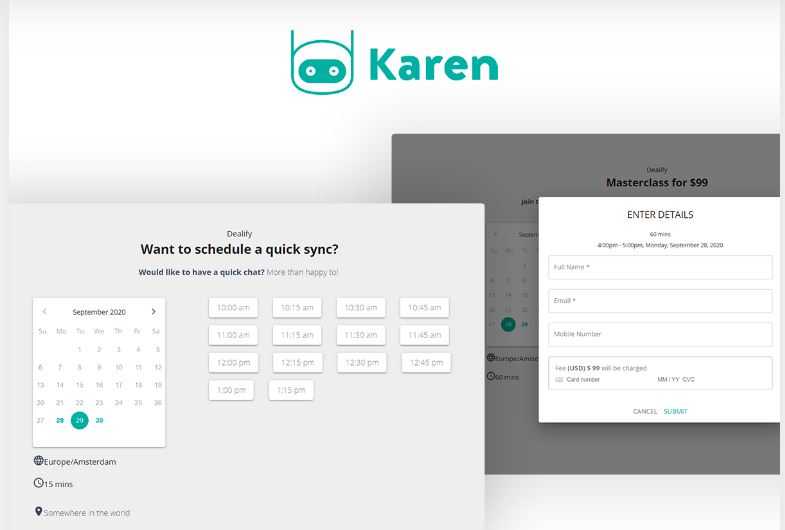
FrontDeskChat
- All-in-one: scheduling, payments, and CRM in one platform
- Unlimited bookings on the free tier
- Client chat channel for direct communication
- Integrates with Zoom and Zapier
- Pricing: Free tier available; paid plans start at $8/month
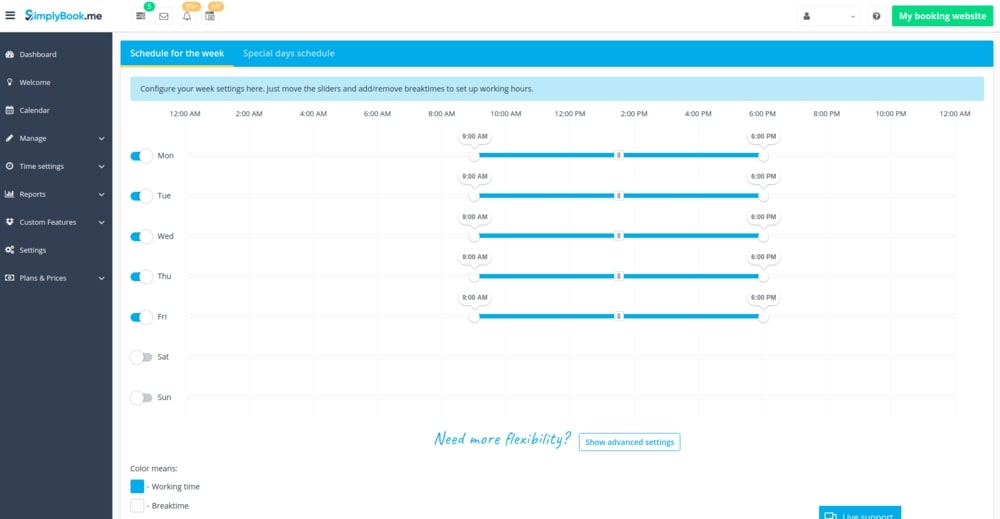
SimplyBook.me
- Appointment booking with automated reminders
- Coupons and gift cards (useful for retention)
- Multiple payment gateways including Stripe, PayPal, and Bitcoin
- Google Analytics integration to track booking ROI
- Pricing: Free plan; paid plans start at $9.90/month
Calendly
- Easiest setup among scheduling tools
- Calendar sync with Google, Outlook, and Yahoo
- Free tier is genuinely functional for light use
- Pricing: Free; paid plans start at $10/month (2026)
For small-to-medium service businesses:
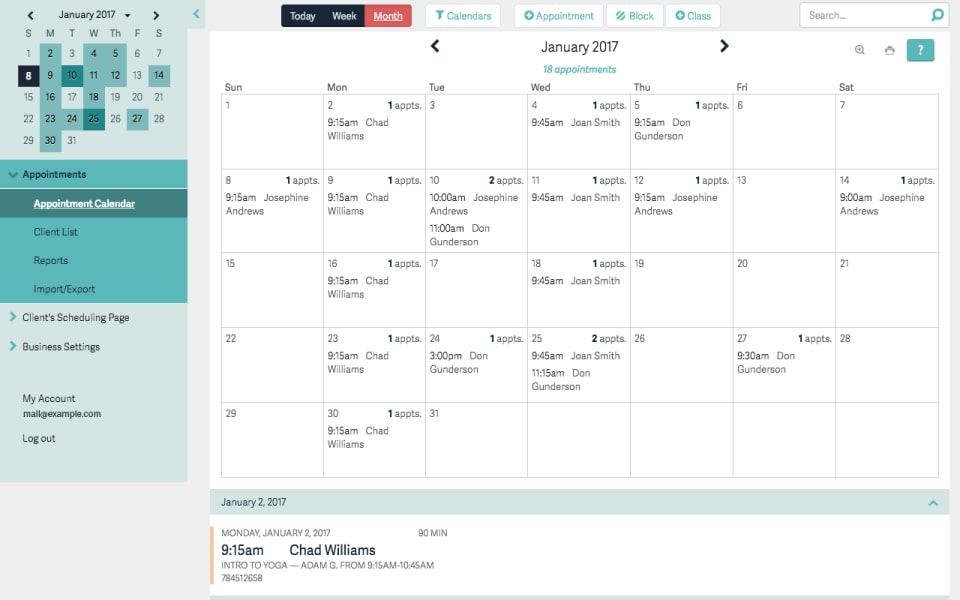
Acuity Scheduling
- Appointment booking with invoicing
- Text reminders and payment processing via Stripe, PayPal, and Square
- Client management with custom intake forms
- Pricing: $16/month (Emerging) to $49+/month (Powerhouse)
- Best for: Salons, coaches, and consultants who invoice regularly
For project-based and team scheduling:
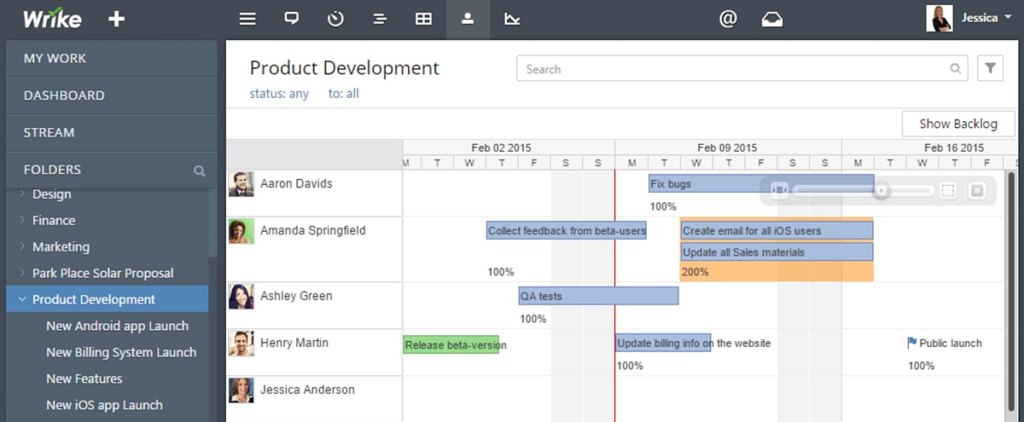
Wrike
- Gantt charts for project timelines
- Resource workload management and task dependencies
- Team collaboration across projects
- Pricing: Free; paid plans start at $9.80/month
- Best for: Creative agencies, construction firms, and project-heavy service businesses
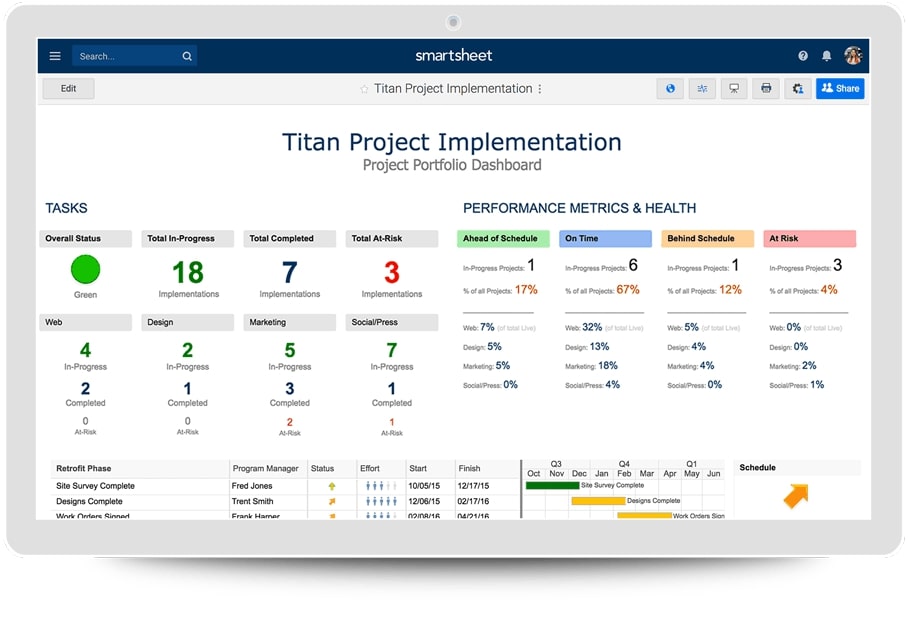
SmartSheet
- Advanced project management with dashboard reporting
- Self-service analytics and resource allocation views
- Good for compliance-heavy industries
- Pricing: Paid only; starts at approximately $14/month
Comparison table:
| Tool | Best for | Free tier? | Payments? | CRM? |
|---|---|---|---|---|
| FrontDeskChat | All-in-one | Yes | Yes | Yes |
| SimplyBook.me | Service businesses | Yes | Yes (multiple) | Basic |
| Acuity Scheduling | Invoicing | 14-day trial | Yes | Basic |
| Wrike | Teams/projects | Yes (limited) | No | No |
| SmartSheet | Enterprise | No | No | No |
Frequently asked questions about Scheduling For Business
What's the difference between appointment scheduling and project scheduling tools?
Appointment scheduling tools like Calendly and FrontDeskChat manage client meetings: availability, confirmations, and reminders. Project scheduling tools like Wrike and Smartsheet manage team tasks, timelines, and resource allocation. Some businesses need both, but they serve different purposes.
Should I choose free or paid scheduling software?
Free tiers work well for testing and light use. Paid plans from $10 to $50 per month add payment processing, automations, and CRM features. If you bill hourly or manage clients regularly, paid plans typically save more time than they cost.
Can I sync all these tools to Google Calendar?
Yes. All modern scheduling tools sync with Google Calendar. Some offer bi-directional sync where changes in Calendar also update the scheduling tool. Check before buying, as one-way sync only can cause conflicts.
Which tool is best for teams vs. solopreneurs?
Solopreneurs do well with Calendly or FrontDeskChat. Teams benefit from tools like Wrike, Smartsheet, or Zoho that offer collaboration features, shared dashboards, and role-based access.
How do I know if a scheduling tool is worth the cost?
Calculate time saved. If the tool saves you 5 or more hours per month, multiply that by your hourly rate. Most paid scheduling tools pay for themselves quickly if you have regular bookings or a team to coordinate.
What should I look for in a scheduling tool's free trial?
Book real appointments during the trial. Check how reminders work, how the client experience looks on mobile, and whether calendar sync is reliable. Also test any integrations you plan to use, like Zoom or Stripe, before committing.
Is Smartsheet suitable for appointment-based businesses?
Not really. Smartsheet is a project management platform with strong scheduling for tasks and timelines. It’s not designed for client appointment booking. Use it alongside an appointment tool if you need both project tracking and client scheduling.