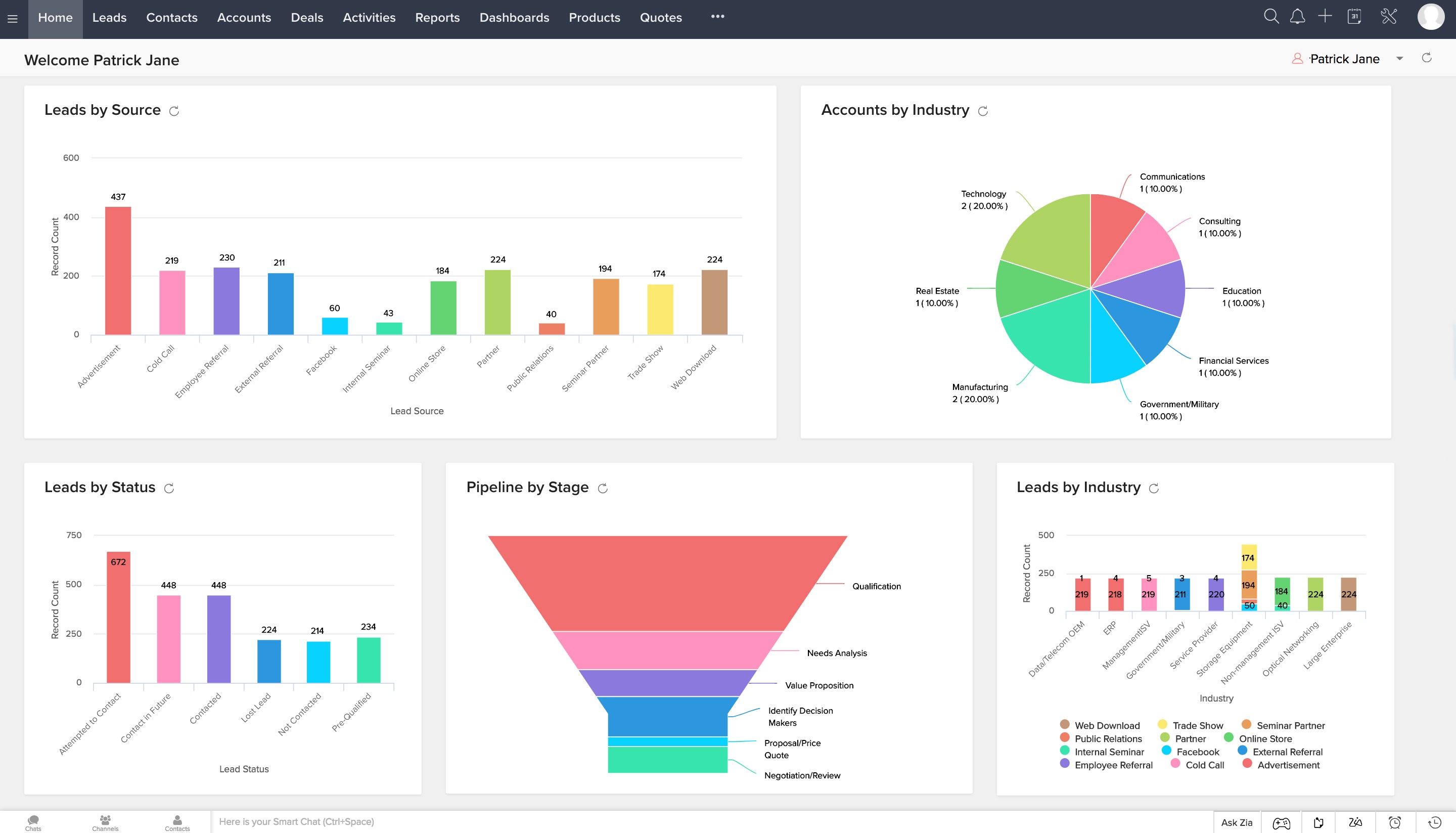
CRM Appointment Scheduling Features
The best appointment scheduling tools pair booking automation with CRM features so you can track client history, reduce no-shows, and grow your business without manual work.
Why CRM matters in scheduling:
Booking an appointment is just the beginning. The real value comes from what happens before and after:
- Track all client interactions in one place
- Automate reminders to reduce no-shows by 30% or more
- Follow up automatically after appointments to encourage repeat bookings
- Analyze which appointment types actually convert to revenue
Key features to look for:
Customizable appointment slots
Create different slot types: 15-minute quick calls, 60-minute consultations, buffer time between appointments, and blocked time for admin or travel. A rigid slot structure limits what services you can offer. Multiple booking pages with different durations give clients the right option for their need.
Automated confirmations and reminders
Automatic email and SMS at booking, 24 hours before, and 1 hour before the appointment reduces no-shows by 25 to 40%. It also builds professionalism. Personalized reminders (“Hi Sarah, your call with Jane is tomorrow at 2 PM”) feel more intentional than generic alerts.
Integrated video conferencing
Auto-generate meeting links for Zoom, Google Meet, or GoToMeeting at the moment of booking. No manual room setup, no searching for a link. Supported platforms include Zoom (most popular, no client login needed), Google Meet (integrates well with Gmail and Google Workspace), GoToMeeting (enterprise option), and Microsoft Teams for Microsoft-heavy organizations.
Automatic time zone conversion
When a client in Singapore books a call with you in New York, the system detects both time zones and shows each person their local time. One wrong time zone equals one missed appointment. This feature isn’t optional for businesses with international or remote clients.
Payment processing
Collect payment before or after the appointment via Stripe, PayPal, or Square. Getting paid at the time of booking reduces invoice chasing. It also serves as a commitment device: clients who’ve paid show up.
Customized booking forms
Collect exactly what you need before the call. For a consultant: biggest current challenge, whether they’ve worked with you before, preferred follow-up format. For a salon: service preference, any allergies, new or returning client. Generic forms lose information; custom forms prepare you.
CRM integration and lead tracking
Sync appointment data with your CRM so all client interactions appear in one timeline. Follow-up tasks can assign automatically. Conversion tracking shows you who booked and who became a paying customer. Popular combos include Zoho CRM with Zoho Bookings, Salesforce with Calendly, HubSpot CRM with scheduling integration, and FrontDeskChat as an all-in-one option.
White-labeling and branding
Your custom domain and colors on the booking page (yourname.com/booking instead of calendly.com/yourname). This matters for agencies and consultants building a brand. Solopreneurs can skip it.
Red flags when evaluating tools:
- No reminder feature (no-shows will be high)
- Can’t customize the booking form (you’ll arrive to appointments underprepared)
- No data export option (vendor lock-in)
- Payment processing adds fees above Stripe’s standard rates (hidden costs)
- Very limited integrations (you’ll end up copying data manually between tools)