Appointment Booking Tools

Published
On this page

What is the best appointment scheduling software for customers to book time with site members?

Clients are most likely to complete a booking when they don’t have to leave your website. The best approach is to embed a booking widget directly on your site, customized to match your brand. Integration works two ways: generate an embed code for a widget, or create a booking URL that links from your site.

Here are the most popular tools that handle this well.

Cronofy

Cronofy provides an API to connect your calendar to your website or any other application. They offer SDKs for Python, .NET, Ruby, and PHP, plus community libraries for other languages. You can generate unique meeting links and present time slots that work for both you and the client.

Zoom

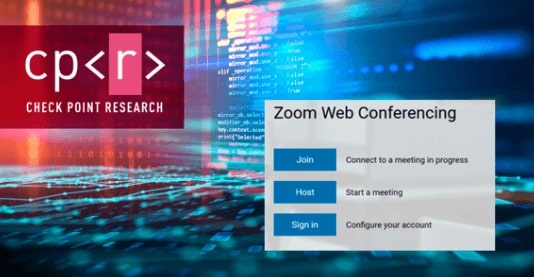
Zoom has a vanity URL you can customize to display your schedule. Change the background image, brand name, colors, and more in settings. Embed that link on your website so clients can book appointments without leaving your page.

Zoho

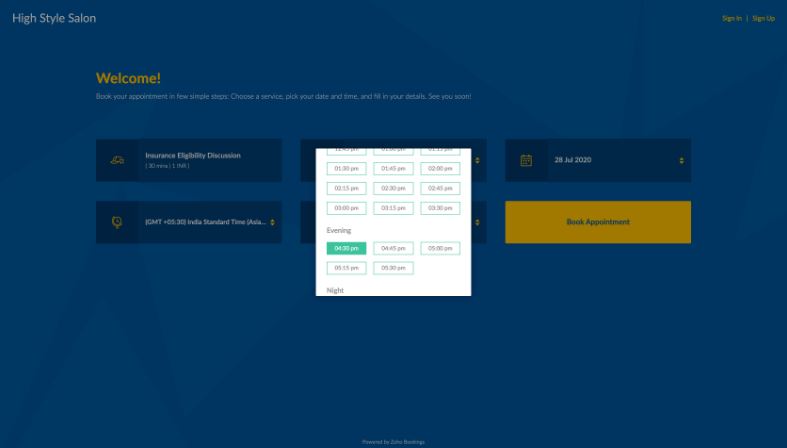
Zoho supports both widget embedding and domain mapping. You can remove all Zoho branding, match your own style, and provide a booking URL that clients use to pick their own time slots.

Calendly

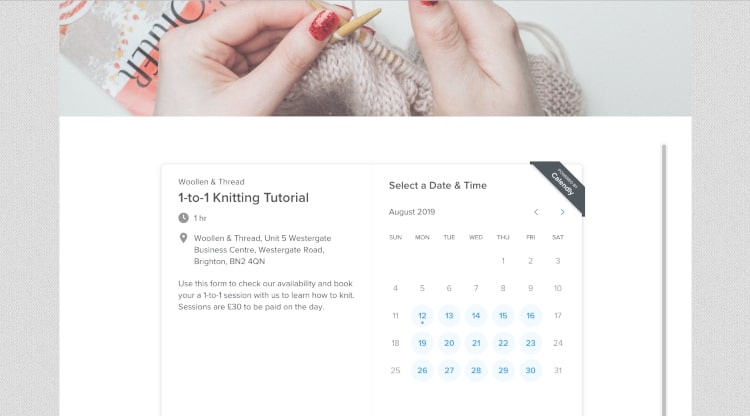
Calendly uses an API to give developers control over scheduling data. You need to register as a Calendly developer to make changes. Clients see your available slots, and confirmations are automated once a booking is made.

FrontDeskChat

FrontDeskChat supports white-labeling through domain mapping and API integration. Create a branded booking page and share it via your website or email signature. The tool also embeds as a widget. With its Zoom integration, online meeting links generate automatically at the point of booking, and the built-in payment portal lets clients pay at the same time.
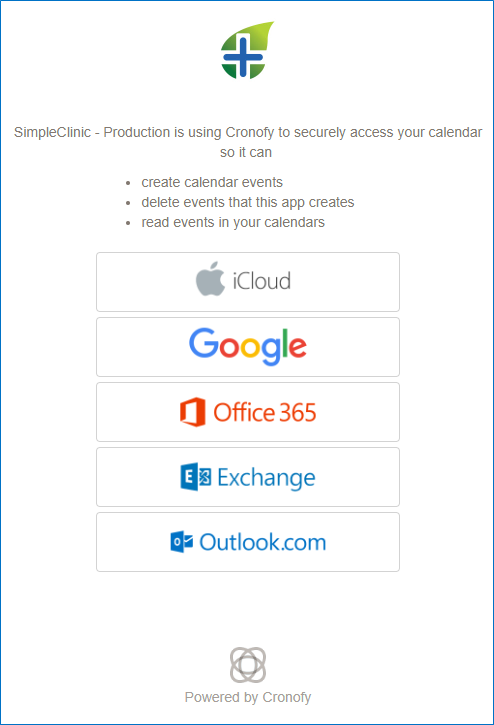
Cronofy calendar API integration showing booking widget embedded on a third-party website

Zoom vanity URL settings panel showing custom scheduling page with white-label branding options

Zoho booking widget embedded on a business website with brand colors applied

Calendly scheduling page embedded on a website showing available appointment slots

Frequently asked questions about Appointment Booking Tools

What's the best way to let customers book appointments directly on my website?
Embed a booking widget using an app like FrontDeskChat, Calendly, or Acuity. Most tools generate an embed code you paste into your site. Clients book without leaving your page.
Do I need coding skills to embed a booking widget?
No. Most tools generate a snippet you copy and paste. For more control, tools like Cronofy offer developer SDKs for Python, Ruby, PHP, and .NET if your team wants a custom build.
Can I white-label my booking page so it doesn't show another brand's name?
Yes. FrontDeskChat, Zoho, and Cronofy all support domain mapping and white-labeling. You can remove third-party logos and match your brand’s colors and style.
Which tools let me automatically create video meeting links when someone books?
FrontDeskChat and Calendly both auto-generate Zoom or Google Meet links when a booking is confirmed. The link appears in the client’s confirmation email.
Is a booking URL or an embedded widget better for conversions?
An embedded widget keeps clients on your site, which generally converts better. A booking URL works well in email signatures and social profiles. Most businesses use both.
Can I collect payment when clients book an appointment?
Yes. FrontDeskChat integrates payment portals so clients pay a deposit or the full amount at booking. This also reduces no-shows since clients have a financial commitment.
Start free