Hairstylist Appointment Scheduling Apps
Hairstylists and salons have scheduling needs that go well beyond a simple calendar. Multiple stylists with different specialties, walk-in traffic, inventory management, and client relationships all need to work together. Here’s how to build a system that handles all of it.
Why hairstylists need appointment scheduling:
- Reduce no-shows (40-50% improvement with SMS reminders)
- Maximize stylist utilization (fewer gaps between appointments)
- Enable online booking (clients expect it, and it brings in more business)
- Manage multiple stylists (prevent double-booking, optimize assignments)
- Track client preferences (faster appointments, better outcomes)
- Handle walk-ins (keep gaps available for quick clients)
- Manage inventory (know when supplies are running low)
- Build loyalty (repeat clients and referrals come from great experiences)
Salon scheduling challenges:
Different appointment lengths
- Haircut: 30 min
- Color treatment: 60-120 min
- Extensions: 90-180 min
- Root touch-up: 45 min
- Event styling: 60 min
Solution: Create separate service types in the scheduling app, each with its own duration.
Multiple stylists with different specialties
- Stylist A: cuts and color
- Stylist B: cuts and extensions
- Stylist C: styling and updo
- Stylist D: blow-dry specialist
Solution: Clients book a specific stylist or filter by service type to find someone with the right specialty.
Walk-in management
- Some clients walk in without an appointment
- You want to serve walk-ins but not at the expense of pre-booked clients
Solution: Reserve 20-30% of slots as walk-in only. First-come, first-serve.
Back-to-back appointment chaos
- Stylist finishes at 2:45 PM, next client booked at 2:45 PM
- No time for cleanup, restocking, or a break
Solution: Block 10-15 minutes between appointments for turnover.
Inventory management
- Track products used during appointments
- Alert when stock is low (you can’t do a color service if the dye runs out)
Solution: Use inventory-aware scheduling apps like Mindbody, Gettimely, or Vagaro.
Top scheduling apps for hairstylists:
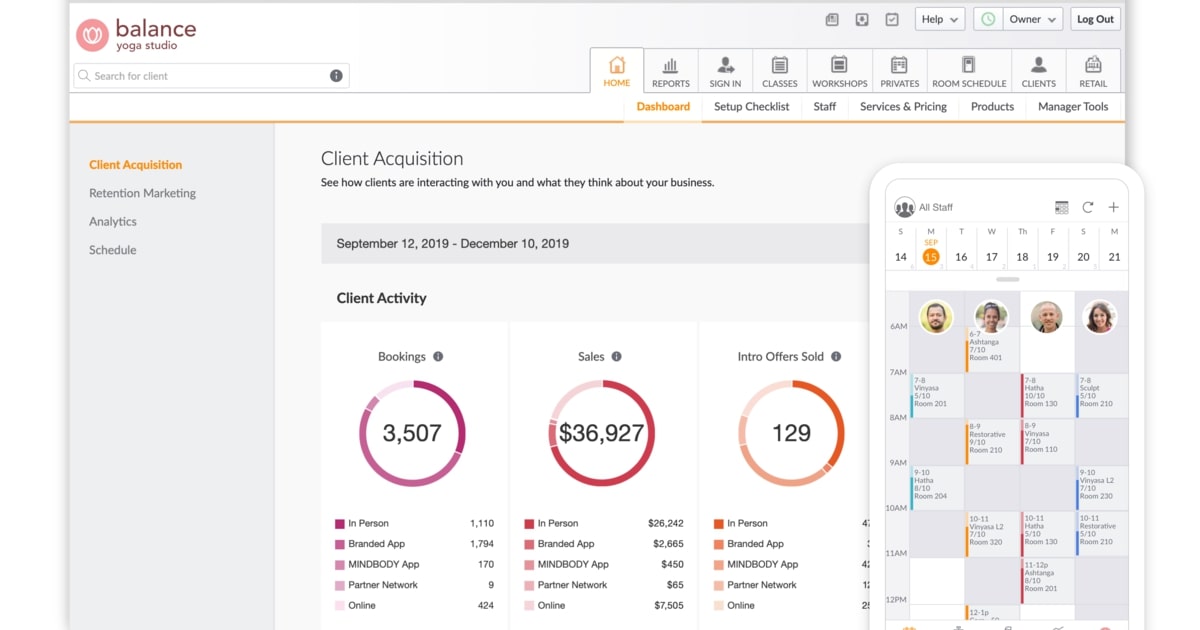
Mindbody (Best comprehensive)
- Appointment scheduling with multiple stylist management
- Client CRM: color history, allergies, preferences
- Inventory management and employee payroll
- Marketing tools: email campaigns and loyalty program
- Multi-location support
- Cost: $99+/month (Starter); $259+/month for advanced reporting
- Best for: Established salons and multi-location operations
Gettimely (Best integrations)
- Appointment scheduling with multi-stylist support
- Client CRM and inventory management
- Integrations: Xero, QuickBooks, PayPal, Afterpay, Mailchimp
- Marketing automation
- Cost: $11+/month (Starter, up to 5 staff); $20+/month (Premium)
- Best for: Salons that need flexible integrations
Vagaro (Best for freelance stylists)
- Appointment scheduling with client CRM and notes
- Inventory tracking and portfolio/gallery
- Online payments and team management
- Cost: $40+/month
- Best for: Freelance stylists and small salons
FrontDeskChat (Best affordable option)
- Appointment booking with SMS and email reminders
- Online payments and basic client CRM
- Cost: Free to $8-18+/month
- Limitation: No inventory management or stylist-specific features
- Best for: Solo stylists and budget-conscious salons
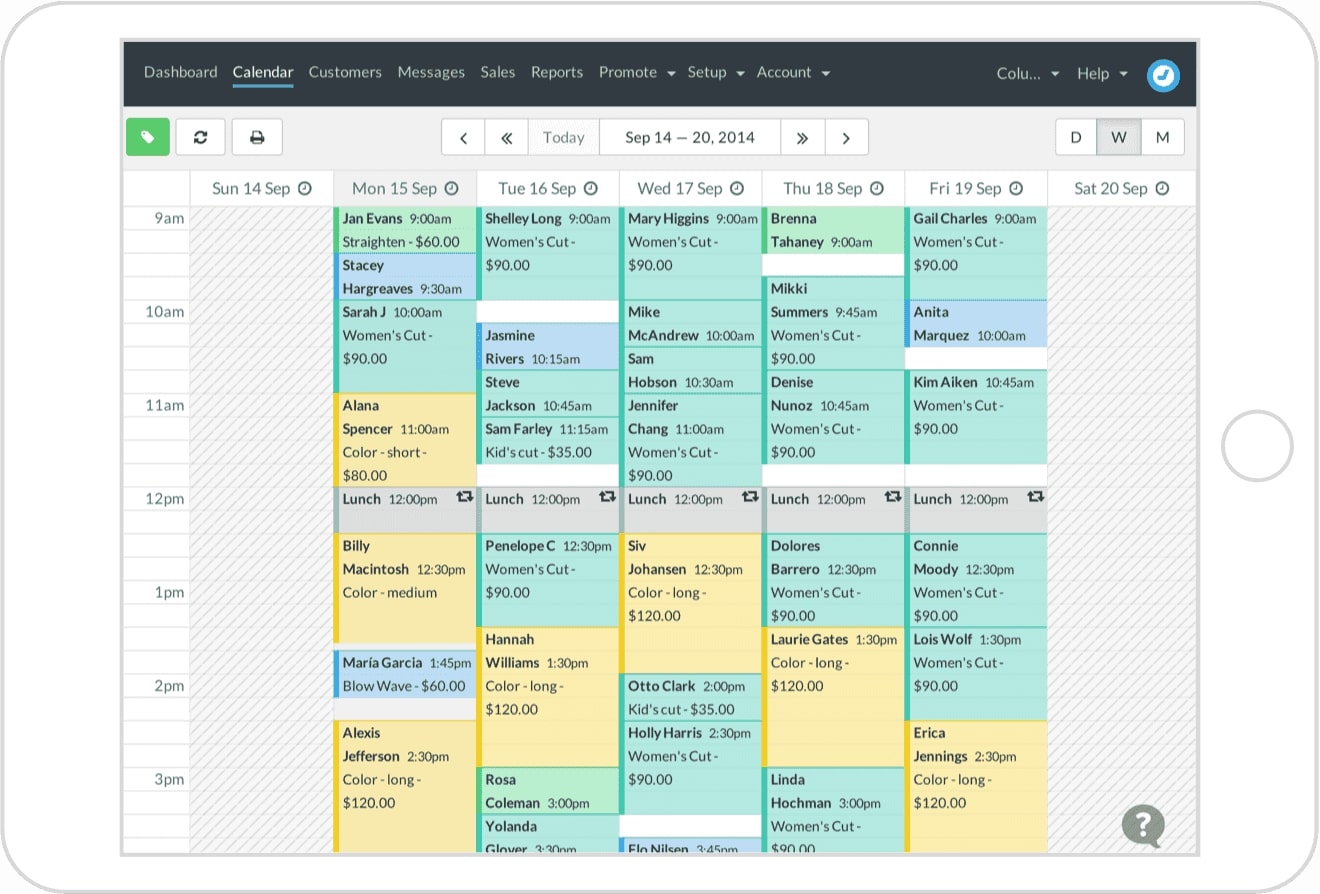
Acuity Scheduling (Best middle ground)
- Multiple services with different durations
- Customizable booking form (color notes, product preferences)
- SMS and email reminders with client CRM
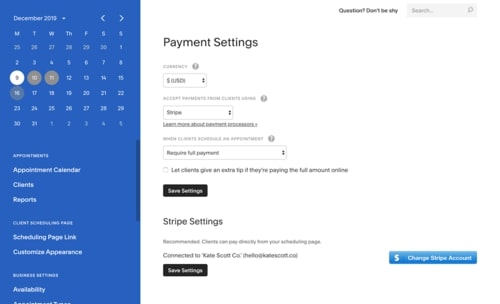
- Online payments via Stripe or PayPal
- Cost: $20-61/month (monthly); $16-49/month (annual)
- Best for: Small to medium salons with good features per dollar
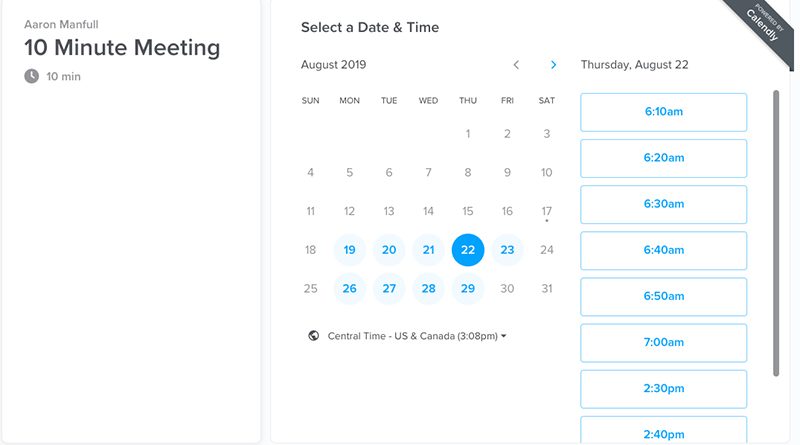
Calendly (Best simplicity)
- Basic appointment booking with calendar sync
- Limited customization and SMS
- Cost: Free to $12+/month
- Best for: Solo stylists with simple, low-volume needs
Implementation guide: Salon scheduling setup
Phase 1: Choose your tool (30 minutes)
- Solo stylist: FrontDeskChat or Acuity
- Small salon (2-5 stylists): Gettimely or Mindbody
- Growing salon: Mindbody
- Trial each before committing
Phase 2: Create service types (1-2 hours)
For each service, define:
- Name and duration
- Price range
- Which stylists perform it
- Notes field for client preferences
Example services:
- Haircut (30 min, $50)
- Color treatment (90 min, $100-200)
- Highlights (120 min, $150-300)
- Extensions (180 min, $200-500)
- Root touch-up (45 min, $60-100)
- Event styling (60 min, $100)
- Blow-dry (30 min, $50)
Phase 3: Add stylists (30 minutes)
- Name, photo, specialties
- Availability (working hours, days off)
- Which services they perform
Phase 4: Set pricing and policies (30 minutes)
- Deposit: 25-50% of service price
- Cancellation: free 24h before, $25 fee within 24h, full charge for no-shows
- Tip options: pre-added to bill or added after service
Phase 5: Configure reminders (30 minutes)
- SMS 24h before: “Your appointment with [Stylist] tomorrow at [Time]. Confirm: REPLY YES”
- SMS 1h before: “See you soon! [Stylist] is ready at [Address]”
- Optional: email reminder with stylist photo and booked services
Phase 6: Customize the booking form (1 hour)
- Required: name, phone, email
- Optional: hair type, color history, allergies, preferred stylist
- Notes field: “Any special requests?” for style or length preferences
Phase 7: Set up inventory (optional, 1-2 hours)
- If using Mindbody or Gettimely: list all products
- System decrements stock when used in an appointment
- Set reorder alert when stock drops below 5 units
Phase 8: Publish your booking link (30 minutes)
- Add to salon website
- Include in email signature
- Share on social media
Phase 9: Train stylists (1 hour)
- How to view daily appointments
- How to add notes to client profiles
- How to block time for breaks and training
- How to manage walk-ins
Phase 10: Test end-to-end (30 minutes)
- Book a test appointment as a client
- Verify confirmation and reminder arrive
- Verify the stylist sees the appointment in their calendar
Total setup time: 6-8 hours
Salon scheduling best practices:
Block buffer time between appointments
- 10 minutes minimum for cleanup and sanitizing
- 15 minutes when switching service types
- Stylists stay fresh, and the quality of work shows it
Manage walk-ins without chaos
- Reserve 20-30% of daily capacity for walk-ins
- Mark those slots “walk-in only” in the calendar
- First-come, first-serve prevents confusion
- You serve both booked and walk-in clients without conflicts
Track client preferences
- Hair type, color history, allergies, preferred stylist, preferred appointment time
- Review notes before the client arrives
- Saves 5-10 minutes per appointment
- Clients notice when you remember: “You recalled I’m allergic to sulfates”
- Better client experience = higher repeat booking rate
Incentivize advance booking
- Require a $10 deposit to book (refundable if kept)
- Offer a 10% discount for booking 3 months ahead
- Shows client commitment and reduces no-shows
Use tiered pricing
- Rush appointments: add $20 for rare last-minute availability
- Slow times (Tuesday-Thursday mornings): drop $10 to fill schedule
- Weekend premium: add $15
- Incentivizes off-peak booking and fills your slow slots
Run a loyalty program
- Every $100 spent = 1 point
- 10 points = $25 credit
- Track automatically in FrontDeskChat or Mindbody
- Encourages repeat bookings without heavy discounting
Enable self-rescheduling
- Let clients reschedule via SMS or web link
- Cuts phone calls significantly
- Prevents unused appointment slots from sitting empty
Request feedback every time
- After the appointment: “How did we do? Rate us: [link]”
- Identifies unhappy clients before they leave a negative review
- Builds Google and Yelp reviews for new client discovery
Track no-show patterns
- Which times have the highest no-show rates?
- Example: Friday 6 PM = 25% no-show, Tuesday 10 AM = 2% no-show
- Require deposits or adjust reminder timing for high-risk slots
Real-world example: 5-stylist salon
Salon: Hair salon, 5 stylists, 50+ clients per day
Setup: Mindbody for scheduling, CRM, and inventory. Email and SMS marketing built in.
Morning: Stylists log in, review appointments and client notes, check inventory levels.
Client books: Chooses service and stylist preference. Pays 25% deposit online. Gets confirmation and SMS.
24h before: Automated SMS: “Your cut with Sarah tomorrow at 2 PM. Confirm: REPLY YES.” 80% confirm immediately.
1h before: Automated SMS: “Hi! See you in 1 hour at [Address]. Sarah is ready!” Late cancellations drop.
During appointment: Sarah reviews client notes. Takes notes on preferences. Client books next appointment before leaving (50% conversion). Products sold are automatically tracked in inventory.
After appointment: SMS: “Thanks for visiting Sarah! Rate your experience: [5-star link].” Client gives 5 stars; system auto-requests a Google review.
Results:
- No-show rate: 8% (down from 20%)
- Repeat booking rate: 70%
- Inventory alerts prevent product stockouts
- Personalized experience keeps clients coming back
Managing multiple stylists:
Client choice: “Book with Sarah” for a specific stylist, or “next available” for whoever has the earliest opening.
Stylist specialization: Show each stylist’s expertise on the booking page. “Sarah specializes in color, Mike specializes in men’s cuts.” Clients self-select based on what they need.
Round-robin assignment: “Next available” automatically assigns to the least-booked stylist. Balances workload fairly.
Stylist boundaries: Sarah works Tuesday-Saturday, Mike works Monday-Thursday. The system shows only stylists available on the selected day.
Shared client relationships: Even if a client has a favorite stylist, they can see and book others when the favorite is unavailable. Prevents losing clients to scheduling inflexibility.
Walk-in management:
Challenge: Serve walk-ins without disrupting pre-booked clients.
Time-blocking approach:
- 60% pre-booked (online reservations)
- 30% available (open for pre-booking or walk-in)
- 10% admin time (breaks, cleanup, training)
Example 9 AM to 5 PM schedule:
- 9-10 AM: Pre-booked (Sarah has a cut scheduled)
- 10-11 AM: Open (first stylist free, take pre-booking or walk-in)
- 11 AM-1 PM: Pre-booked (multiple stylists scheduled)
- 1-2 PM: Lunch (admin block, no bookings)
- 2-3 PM: Open (walk-in or new booking)
- 3-5 PM: Pre-booked (end of day busy)
Walk-in experience: Client walks in. Receptionist checks calendar. “Mike is free in 20 minutes for a cut.” Client waits or books a later slot. Schedule stays organized.
Inventory management for salons:
What to track:
- Hair dye (specific colors and quantities)
- Extensions (type, color, length)
- Styling products (shampoo, conditioner, treatments)
- Tools (scissors, clippers, dryers)
Why it matters:
- Prevents running out of a color mid-service
- Calculates product cost per service type
- Tracks which products you use most
- Apps with inventory: Mindbody, Gettimely, Vagaro
- No inventory: FrontDeskChat (use a separate spreadsheet)
Setup: List each product with cost, current stock, and reorder quantity. When used in an appointment, the system decrements the count. Alerts trigger when below a threshold. Some apps can auto-reorder from suppliers.
Client CRM best practices:
Track for each client:
- Full name, phone, email, birthday
- Hair type, color, and texture
- Color history (what worked, what didn’t)
- Allergies (dyes and products)
- Preferred stylist and appointment time
- Preferred service type
- Contact preference (SMS, email, or phone)
- Loyalty program balance
Use this data:
- New client: send a welcome discount (10% off next visit)
- Birthday month: “$25 credit on us”
- 3+ months since last visit: “We miss you! 15% off if you book this week”
- Regular every-6-weeks client: auto-suggest appointment at 5.5 weeks
Common salon scheduling mistakes:
- No online booking: you lose clients who won’t call
- No SMS reminders: no-show rate stays at 20%
- Overbooking stylists: quality drops and staff burns out
- No buffer time between appointments
- Not tracking client preferences: every visit starts from scratch
- Separate inventory system: you find out you’re out of dye mid-appointment
- No walk-in accommodation: you turn away ready-to-spend clients
- No feedback request: unhappy clients just don’t come back
- Generic reminders that don’t feel personal
- No repeat appointment incentive: you rely entirely on clients remembering to book
Salon scheduling comparison:
| Feature | Mindbody | Gettimely | Acuity | FrontDeskChat | Calendly |
|---|---|---|---|---|---|
| Appointment booking | Excellent | Excellent | Excellent | Good | Basic |
| Multiple stylists | Yes | Yes | Yes | Yes | Limited |
| Client CRM | Yes | Yes | Yes | Basic | No |
| Inventory | Yes | Yes | No | No | No |
| SMS reminders | Yes | Yes | Yes | Yes | Email only |
| Online payments | Yes | Yes | Yes | Yes | Limited |
| Integrations | Good | Excellent | Good | Zapier | Limited |
| Cost | $99+ | $11+ | $20+ | $8+ | Free/$12+ |
| Best for | Full-featured | Integrations | Balance | Budget | Simplicity |
Migration: Phone-only to online booking
Week 1: Set up your app (Acuity or Mindbody). Load services and stylists.
Week 2: Soft launch. Tell existing clients about the online booking link.
Week 3-4: Promote: “Book online and get $10 off your next appointment.”
Week 5: Train staff fully. Keep phone booking as backup for clients who ask.
Week 6: Monitor what percentage of bookings are coming in online. Adjust reminders if needed.
Goal: 70%+ of bookings coming through online within 6 weeks.