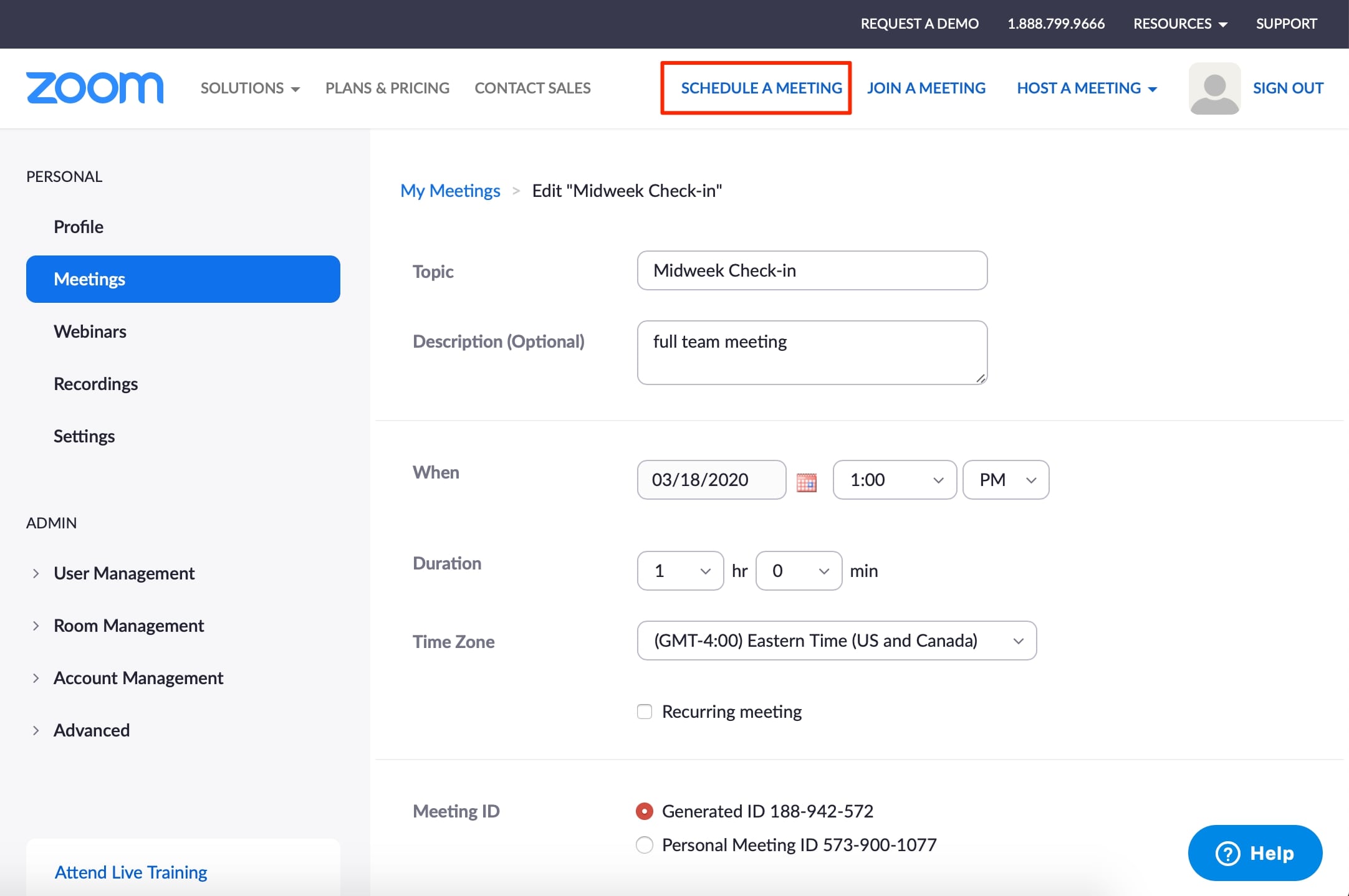
Meeting Scheduling Ways
The best way to schedule a meeting is online. Most apps now handle the entire process automatically, from finding a common time to sending the final invite and meeting link.
Apps like FrontDeskChat, Zoom, Google Meet, Webex, Slack, and Hangouts handle both the scheduling and the meeting itself. You send a joining link or meeting password through the app or via email. Attendees click to join.
Security
Because meeting links give anyone access to a private session, security features matter. Look for:
- Password-protected meetings
- Waiting rooms (you admit each participant)
- Recording controls (decide who can record and where it saves)
- Encryption on all meeting data
Advanced features like these are now standard across most major platforms, but defaults vary. Always check before hosting a confidential or client-facing session.
Communication features
Meeting apps include group chat and individual messaging so participants can coordinate without leaving the platform. The meeting link and password can go to the full group or to individuals.
Screen sharing, content sharing, and digital whiteboards fill the gaps that audio and video alone can’t bridge. These features are particularly useful during product demos, training sessions, and any meeting where showing is better than telling.
Scheduling for large, busy groups
When the participants have conflicting schedules, dedicated scheduling tools become essential. FrontDeskChat, Calendly, Doodle, HubSpot, and Arrangr all handle this.
Core features to look for:
- Real-time availability display
- Calendar syncing with Gmail and Google Calendar
- Voting polls that let attendees choose from pre-set time options
- Integrated video meeting links
- Personalized booking pages for external clients
- Analytics dashboards showing attendance and booking trends
More advanced tools also offer custom booking forms, CRM integration, and white labeling for a fully branded experience.