How to create a Custom Section in Slack?
Published
- Hover over the Channels header in the left sidebar and click the “three dots icon”
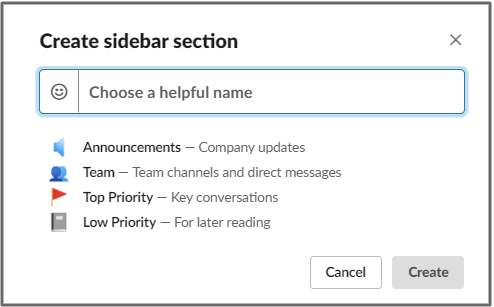
- Select Create new section
- Type the name of your custom section
- Click the smiley face icon to select an emoji to display beside your custom section
- Click Create .