How to Convert a Channel to Private in Slack?
Published
- Open the channel that you want to make private
- Click “Details icon” in the top right
- Select More
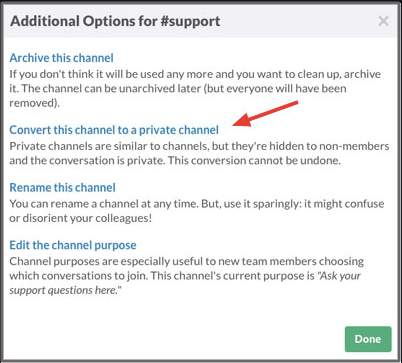
- Then select Additional options
- Choose Change to a private channel
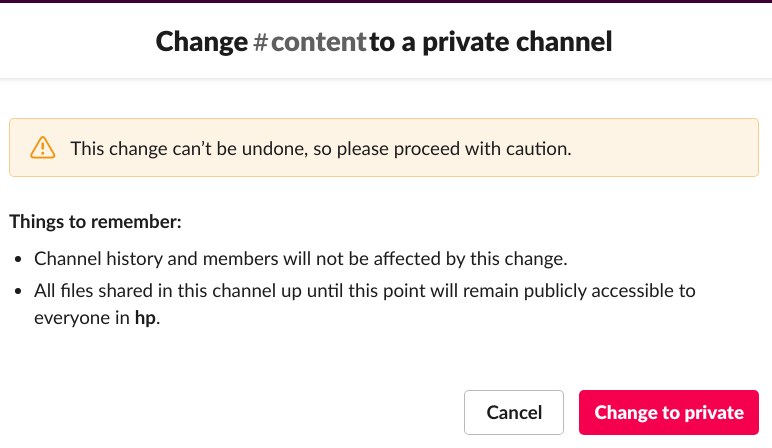
- Click Change to Private.
Get started free →