How to Create a Post in Slack?
Published
- To make a Post, click the paperclip next to a message block
- then click the + Create New
- and select “Create a Post”
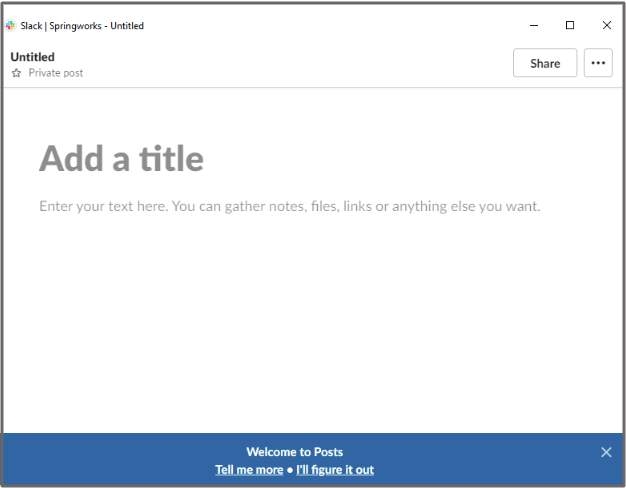
- A new window appears; it looks like a blog composition interface.
Get started free →