How to Press the Up arrow to edit your most recent message in Slack?
Published
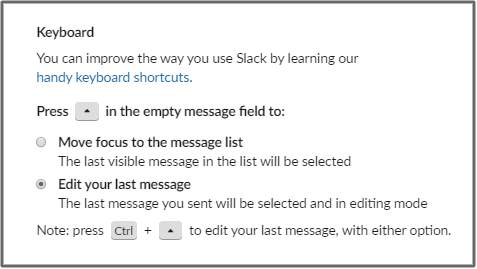
Pressing the Up arrow key will let you edit your most recent message in whatever
channel you’re in.
- Click your workspace name in the top left
- Select Preferences
- Choose Accessibility
- Under Keyboard , select an option