How to Create a User Group in Slack?
Published
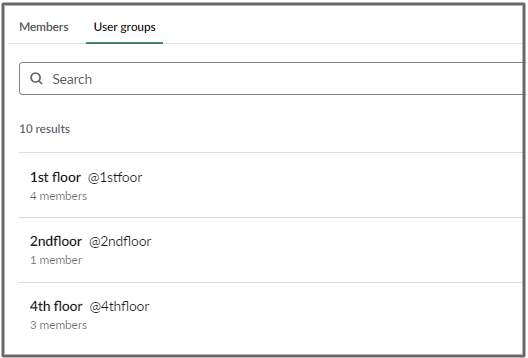
You can create a group of members in a workspace who often need to be notified at once.
- Click “People icon” in the left sidebar
- Click the New user groups icon in the top right
- Choose a name and handle for your user group. If you’d like, set a purpose or select default channels that members will be added to
- Click Next
- Under Add members, search for and select the members you want to add
- Click** Create group**