How to Add custom profile fields in Slack?
Published
- Click your workspace name in the top left
- Select Settings & administration
- Select the Profile tab
- Click Edit your workspace’s profile fields
- Click Create a custom field
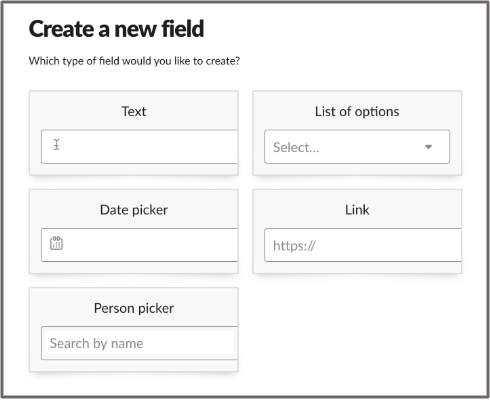
- Choose which type of field to create
- When you’re finished, click Create.