How to View or download access logs in Slack?
Published
Access logs are an easy way to check for unusual activities on your account.
- Go to your profile
- Click the** three dots icon**
- Then click Account settings
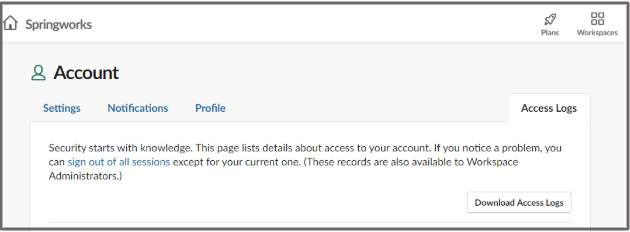
- Then, click Access logs in the top right to view your logs
- To download your logs, click Download access logs.