How to find out if emails have been sent to invitees of a Google Calendar appointment?
Google Calendar does not provide email delivery confirmation, read receipts, or tracking notifications for calendar invitations. When you send a calendar event invitation, Google sends an email to each invited guest, but there is no built-in feature that confirms whether the email was successfully delivered, opened, or read. However, you can use indirect methods to reasonably infer whether an invitee received and processed the invitation.
Method 1: Check guest response status in the event
The most straightforward way to gauge whether an invitee received your calendar invitation is to look at their response status within the event itself.
Step 1: Open the event
Open Google Calendar at calendar.google.com.
Click on the event for which you sent invitations.
The event details panel opens. Scroll down to the Guests section to see the list of invited guests.
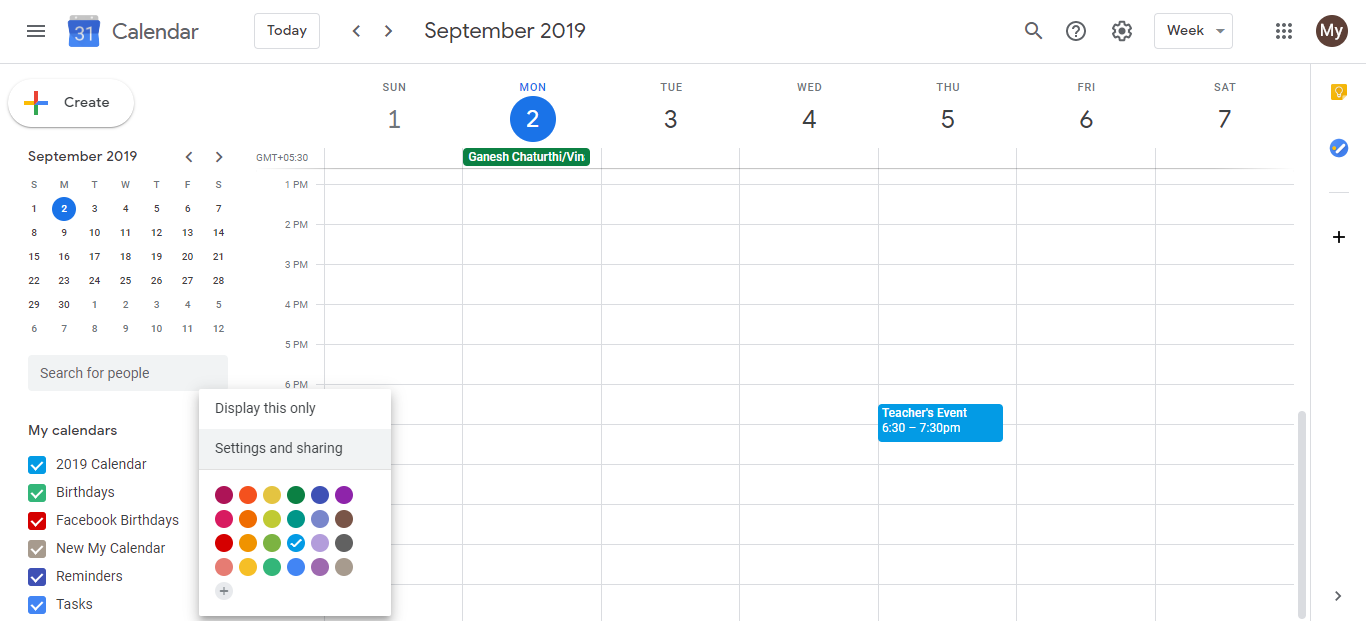
Step 2: Interpret the response status
Each guest will have one of these statuses next to their name:
Awaiting: You sent the invitation to this person, but they have not yet responded. The “Awaiting” status suggests the invitation likely reached them (or at least was sent from Google’s side), though it does not guarantee they opened the email or saw it. They may simply haven’t replied yet.
Yes: The guest accepted the invitation. This confirms they received it and will attend.
No: The guest declined the invitation. This confirms they received it and will not attend.
Maybe: The guest marked their response as tentative or “maybe.” This confirms they received it and made a provisional response.
If a guest is missing from the list entirely: This means you never added them to the invitation, so no email was sent to them.
What the status does NOT tell you: The response status shows whether they responded, not whether they actually opened the email. Someone marked “Awaiting” might never have seen the invitation; they just haven’t clicked Accept or Decline. If you want absolute confirmation of email delivery, you will need to contact them directly.
Method 2: Check your Gmail Sent folder
When you create and send a calendar invitation, Google also sends an email from your Gmail account to each invitee. You can verify on your end that the email was sent by checking your Gmail Sent folder.
Step 1: Open Gmail
Open Gmail at mail.google.com.
In the left sidebar, click Sent Mail (or Sent depending on your Gmail version).
Step 2: Search for the invitation email
Use the search bar to search for the event title or the invitee’s email address.
If the email appears in your Sent folder, it confirms that Google sent the invitation from your Gmail account. This is proof the email left your account, though it does not guarantee the invitee received it or that it did not land in their spam folder.
Limitations of this method: Just because the email appears in your Sent folder does not mean it reached the invitee’s inbox. Email providers (Gmail, Outlook, etc.) may filter calendar invitations as spam, or the email may be blocked by corporate mail filters. The invitee may need to check their spam or promotions folder.
Method 3: Resend the invitation if unsure
If you are uncertain whether an invitee received the original invitation and they have not responded, the safest approach is to resend the invitation. This sends a fresh invitation email with no confusion about whether the original was delivered.
When to resend:
- If an invitee claims they didn’t receive the invitation
- If significant time has passed (weeks) and someone is still in “Awaiting” status and hasn’t responded to messages
- If you changed the event significantly and need everyone to see the updated details
To resend an invitation to one attendee, see the article on resending calendar invites to individual attendees.
Summary: No true delivery confirmation exists
Google Calendar provides no read receipts, delivery confirmations, or tracking features. You can infer that someone likely received the invitation if they show an “Awaiting” status or better, but you cannot be 100 percent certain. The only way to guarantee someone knows about the event is to contact them through another method (email, message, phone call) and ask if they received the invitation.