How to see Google Calendar Analytics?
Google Calendar analytics refer to insights about how you use your calendar: how much time you spend in meetings, who you meet with most often, time distribution across different types of events, and other usage patterns. Google Calendar’s built-in analytics are limited, especially for personal accounts.
Built-in Google Calendar analytics option: Time Insights
Google Workspace (enterprise) accounts have access to a feature called Time Insights that provides basic calendar analytics.
How to access Time Insights (Workspace accounts only):
Open Google Calendar at calendar.google.com.
Click the Settings gear icon in the top-right corner.
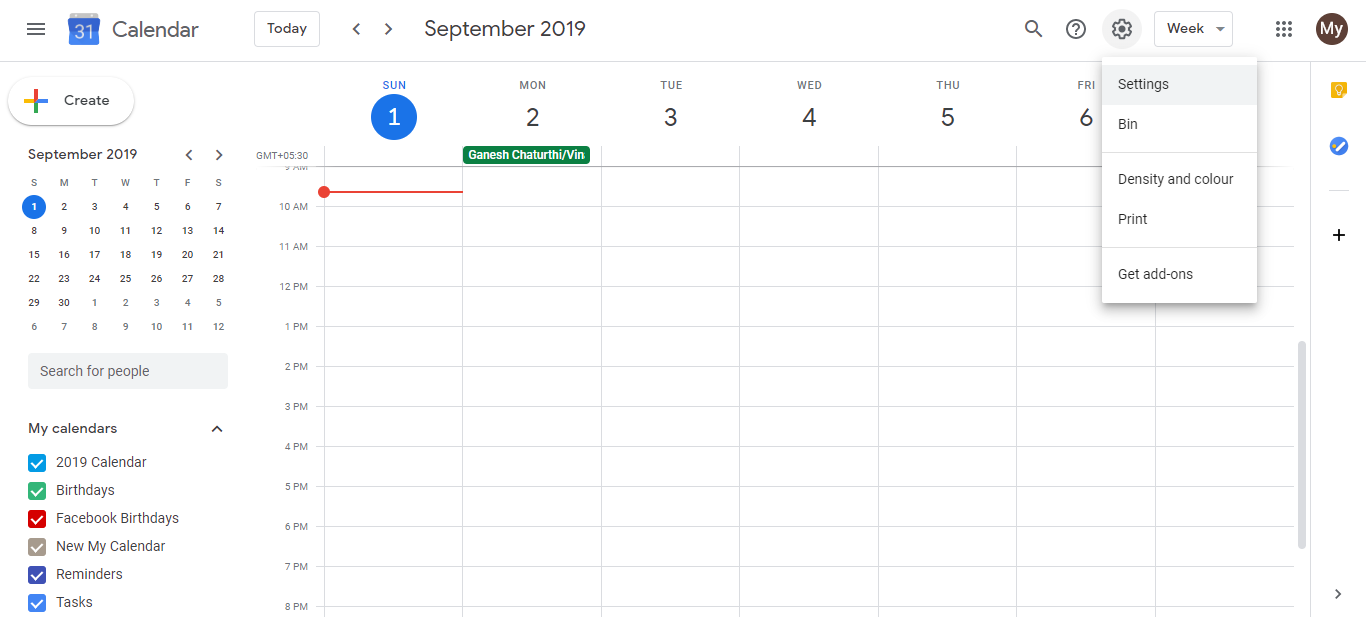
In the left sidebar, scroll down and look for Time Insights (under the general settings section).
Click Time Insights.
The Time Insights panel displays:
- Total meeting hours for the week or month
- Time with each person (who you spend the most time with)
- Meeting load (percentage of time in meetings)
- Calendar breakdown by category (if you have labeled your calendars differently)
What Time Insights shows:
- Meeting hours: Total time spent in scheduled meetings vs. focus time
- People you meet most: A list of contacts ranked by time spent in meetings together
- Time distribution: How your calendar time is divided among different calendars or event types
- Trends: How your meeting load changes week to week
This helps identify if you are over-scheduled, if certain people monopolize your calendar, or if you have enough focus time.
For personal Gmail accounts (no built-in analytics):
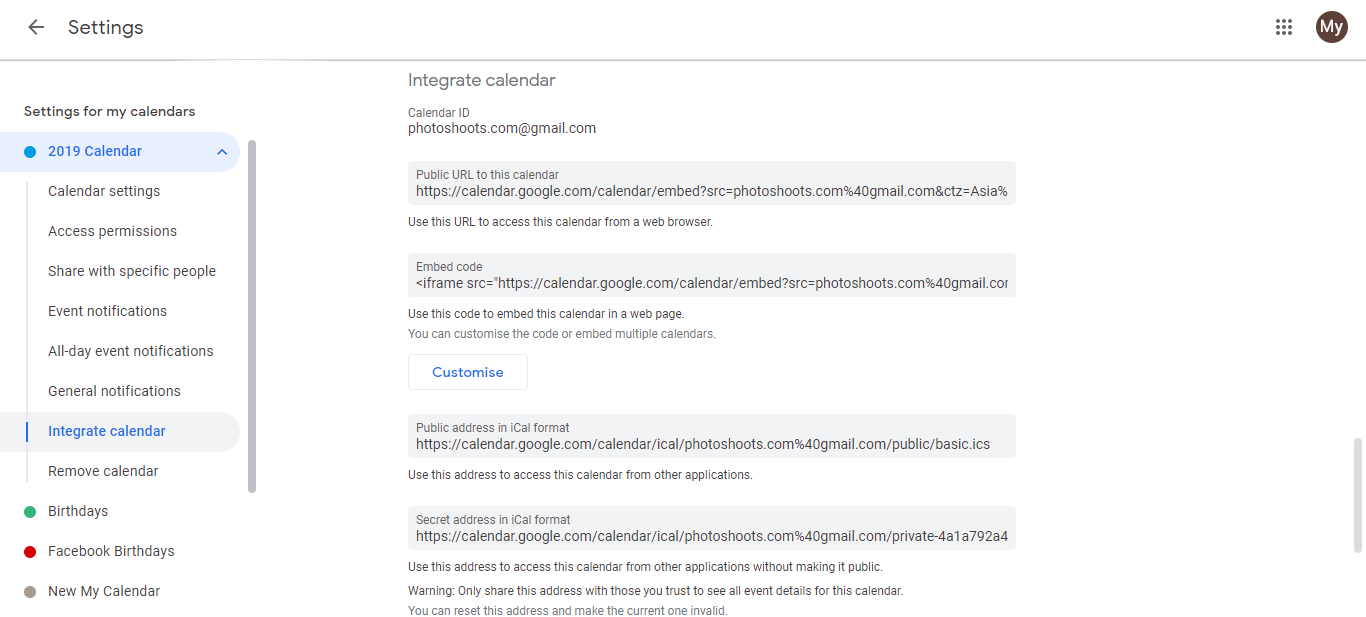
Google Calendar does not provide native analytics for personal Gmail accounts. The original article incorrectly describes embedding a calendar on a website and tracking website visits through Google Analytics. This is not calendar analytics.
For personal users who want calendar analytics, third-party tools are the best option:
Third-party calendar analytics tools:
Reclaim.ai: Focuses on optimizing your calendar, identifying focus time, meeting load, and time-blocking opportunities.
Clockwise: Analyzes meeting patterns, suggests focus time blocks, and provides productivity insights.
Cron: Displays meeting analytics, busy times, and focus time availability.
Fantastical: Offers calendar analytics alongside its calendar and task management features.
These tools typically:
- Connect to your Google Calendar via OAuth
- Display your meeting patterns and time usage
- Suggest optimizations (e.g., “You have 5 hours of back-to-back meetings this week, consider blocking focus time”)
- Are free or freemium (paid plans for advanced features)
Why embed a calendar on a website is not the same as analytics:
The current article’s steps describe embedding your calendar on a website and tracking website visits via Google Analytics. This does NOT provide insights about how you use your calendar. It only tracks how many people visit a website where your calendar is embedded. This is a different use case entirely.
Limitations of Google Calendar analytics:
Even with Time Insights (Workspace accounts):
- Limited to basic metrics (hours, people, categories)
- No deep productivity insights
- No time-blocking recommendations
- No integration with other productivity tools
- No historical trend analysis over months