How to receive birthday reminders for Google Contacts from Google Calendar?
Google Calendar connects to your Google Contacts automatically, pulling in any birthday data you’ve saved. Setting up reminders means you’ll get notified before each birthday arrives.
Step 1: Enable the Birthdays calendar
Go to calendar.google.com.
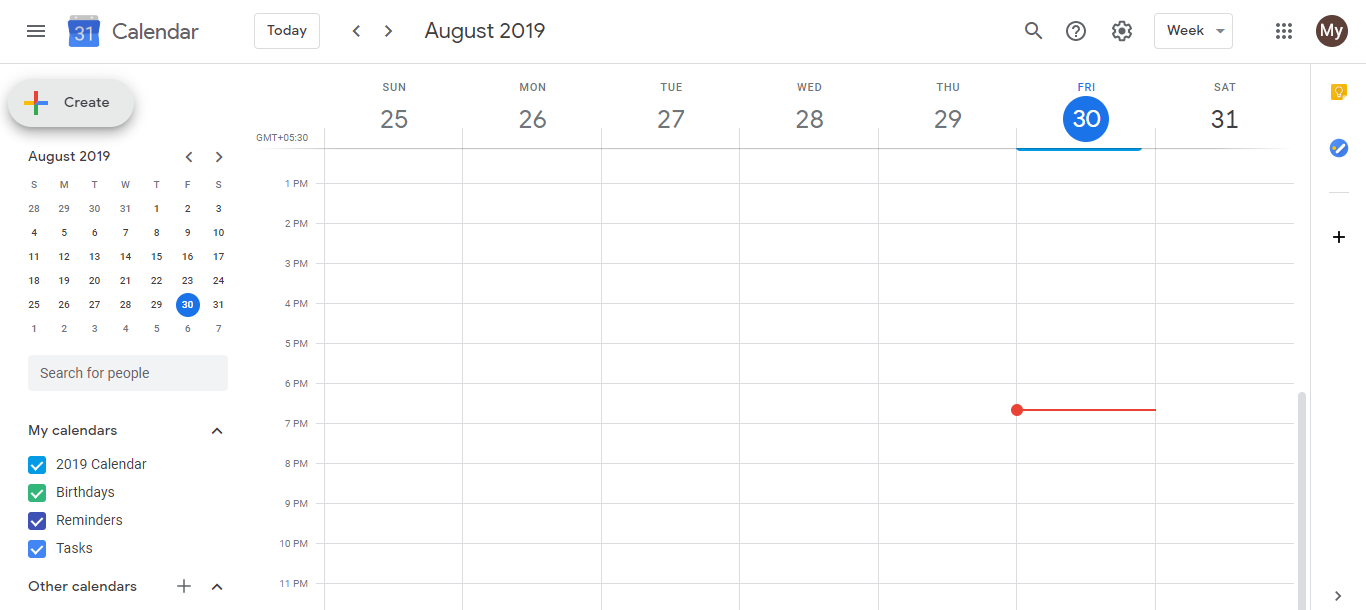
In the left sidebar under “My calendars,” look for Birthdays. If you don’t see it, the Birthdays calendar hasn’t activated yet. This only happens once you have at least one contact with a birthday saved. If needed, add a birthday to a contact in Google Contacts first, and the Birthdays calendar will appear.
Make sure the Birthdays calendar checkbox is marked (checked). When checked, all birthdays from your Google Contacts appear on your calendar.
Step 2: Set up reminder notifications
- Hover over Birthdays in the left sidebar and click the three-dot menu (⋯). Select Notifications to configure how you want to be reminded.
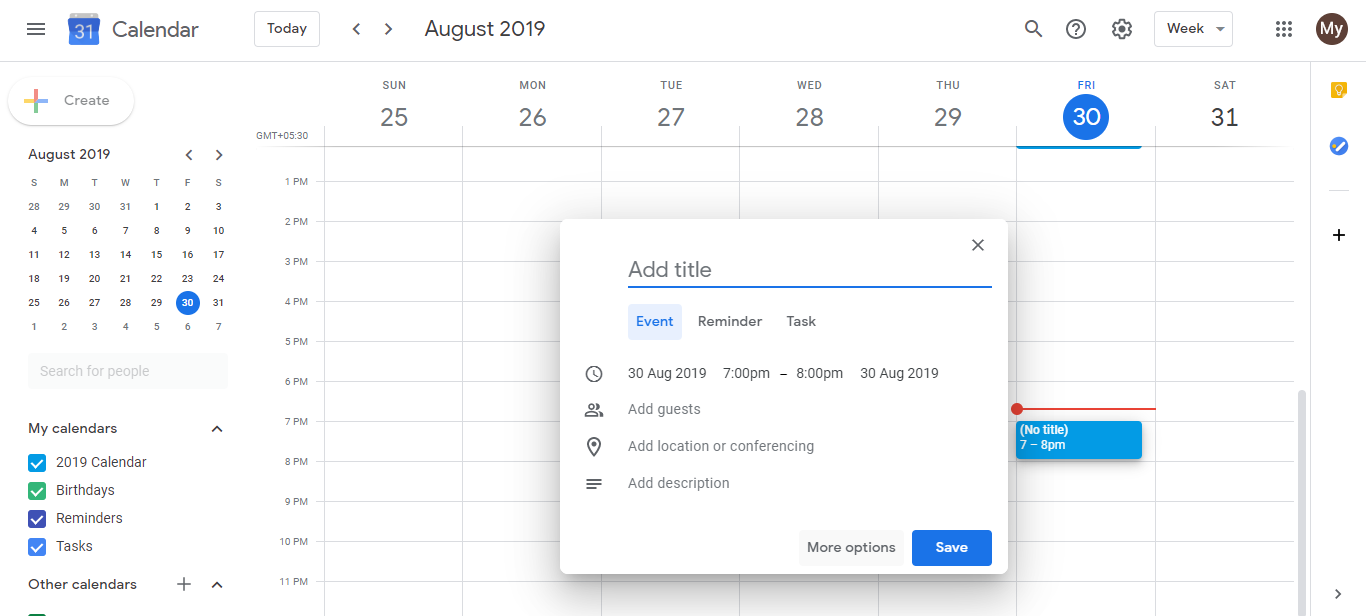
- Choose your notification type and timing:
Notification types:
- Popup: An alert on your screen (in the browser or mobile app). Best if you’re always at your computer.
- Email: A message to your Gmail inbox. Best if you need a record and might be away from your desk.
- On the day of the event: Reminder at a specific time on the birthday itself.
Timing options:
- Day before: A morning reminder to reach out or send a message.
- Week before: Enough time to plan something special.
- At the time of the event: Reminder on the day itself (less common).
Choose based on how much advance notice you need. A day before gives you a quick “don’t forget” alert. A week before lets you plan ahead.
Step 3: Add birthdays to Google Contacts
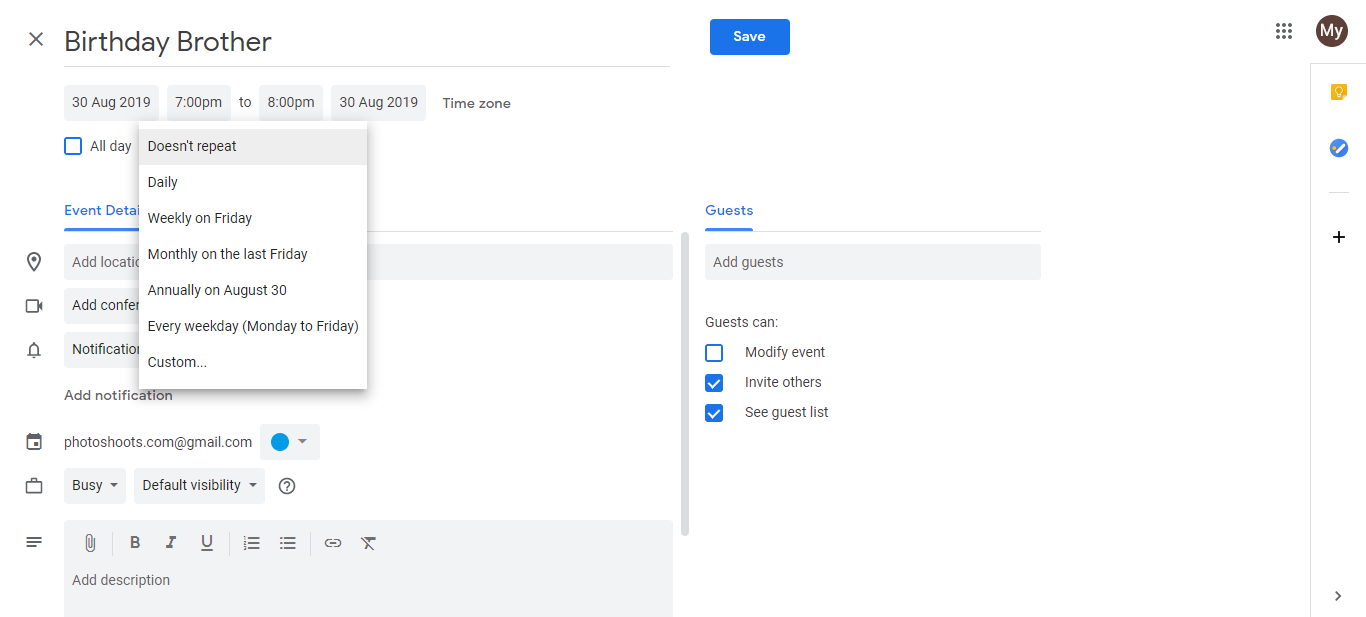
For birthdays to appear in your calendar, they must exist in Google Contacts first.
Visit contacts.google.com.
Open or create a contact for the person.
Click the Birthday field and enter the month, day, and year if you have it.
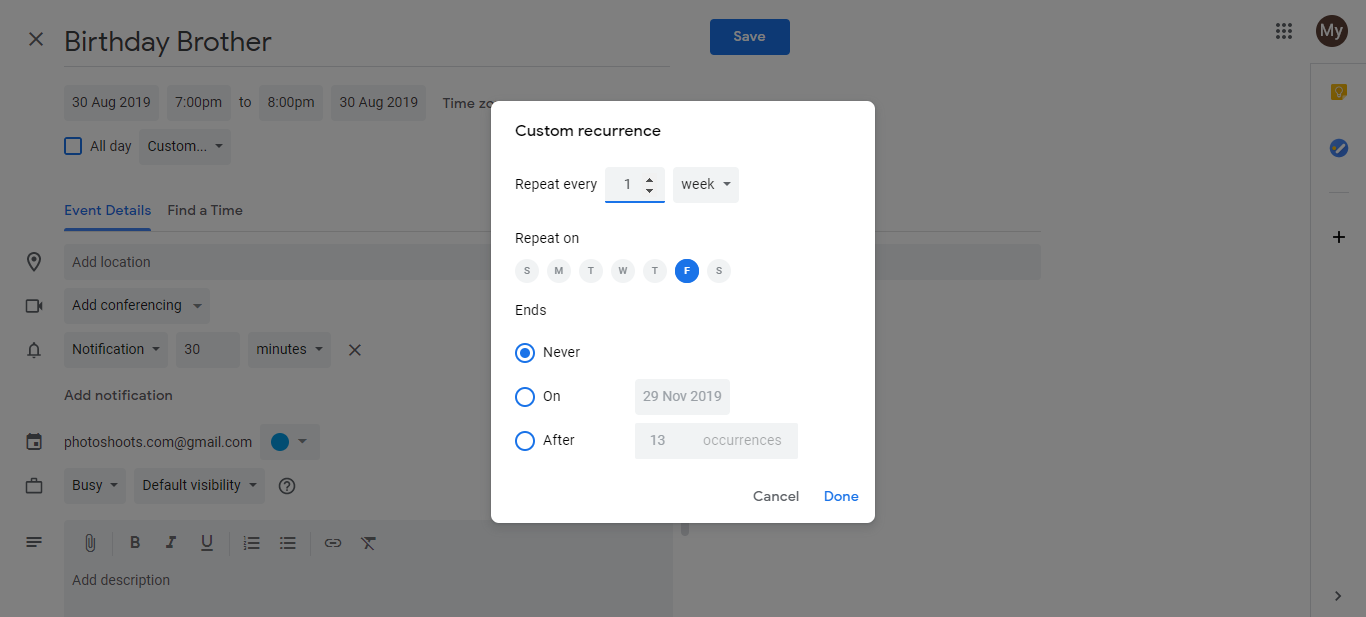
- Click Save. The birthday automatically syncs to Google Calendar and appears on the date using your reminder settings.
Once set up, you’ll receive notifications for every birthday you’ve added to Google Contacts, without needing to manually track them anywhere else.