How to hide only certain birthday notifications from Google Calendar, without removing the birthday data in that contact's info page?
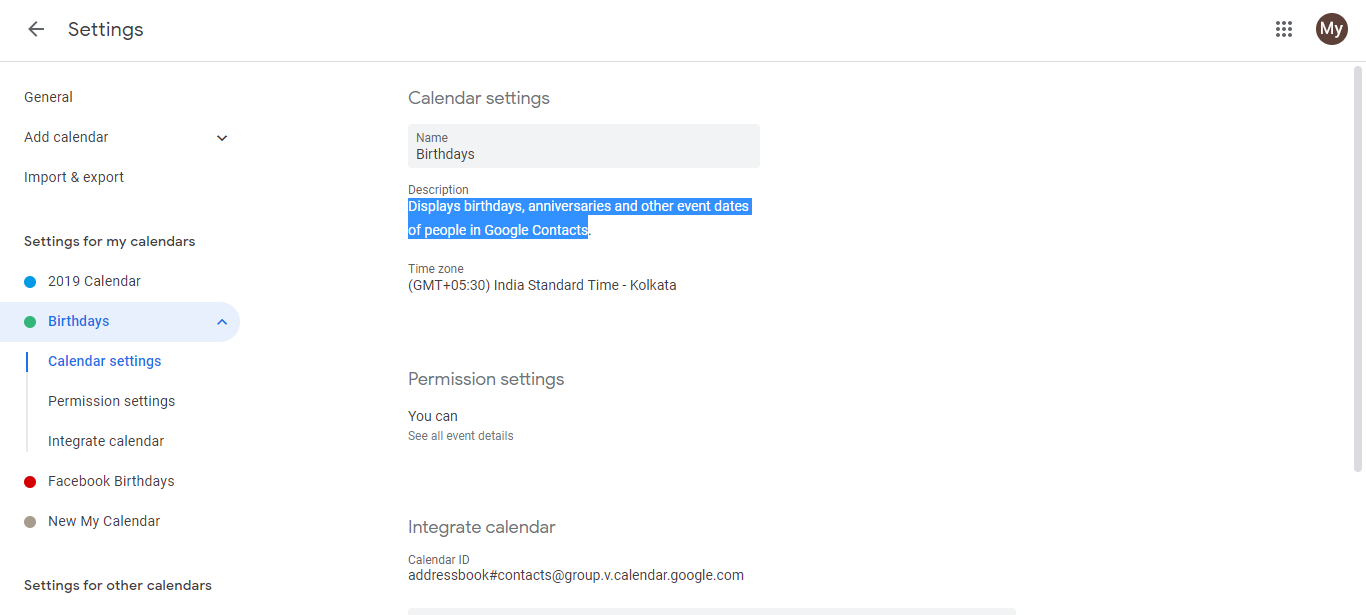
Google Calendar’s Birthdays calendar is all-or-nothing. It pulls all birthdays from your Google Contacts and displays them together. There’s no built-in way to selectively hide certain birthdays while keeping the rest visible.
Why Google designed it this way:
The Birthdays calendar is a system calendar that’s automatically fed from your Google Contacts data. Unlike a regular calendar where you control each event individually, this one is designed for simplicity. It either shows all birthdays or none.
Your three options:
Option 1: Create manual recurring events for priority contacts only
Create individual yearly events for people you want reminders for. This gives you granular control.
Go to calendar.google.com and click Create (+ icon) in the top left.
Click More options to open the full event editor.
Enter the person’s name, set the date to their birthday.
Scroll to Does not repeat and select Yearly.
In Notifications, set your preferred reminder time (the day before, a week before, etc.). You can set different reminder times for different people this way.
Click Save.
Repeat this process for everyone you want birthday reminders for. You’ll get notifications only for these people, not for every contact in your Contacts list.
Best for: Tracking birthdays for a specific group (key clients, close friends, family) with customized reminder timing per person.
Option 2: Disable the Birthdays calendar entirely
Turn off the Birthdays calendar to see no birthday reminders.
In Google Calendar, go to the left sidebar under “My calendars.”
Find Birthdays and uncheck it.
The Birthdays calendar hides from your calendar view. Importantly, the birthday data is NOT deleted from your Google Contacts. All birthdays remain stored there. You can re-enable the Birthdays calendar anytime to see them again.
Best for: Getting a completely clean calendar view while preserving all your contact data.
Option 3: Keep birthdays in Contacts only (no calendar display)
Continue storing birthdays in Google Contacts without enabling the Birthdays calendar.
Go to contacts.google.com and add or edit contacts with their birthday information.
Don’t subscribe to or enable the Birthdays calendar in Google Calendar.
Your Contacts list is complete with birthday data for reference, but you won’t get automatic calendar reminders. You only get notifications if you manually create specific recurring events (Option 1).
Best for: Maintaining complete contact information while avoiding calendar clutter, with the option to create specific reminders later if needed.
Comparison:
| Option | Birthday data in Contacts | Calendar reminders | Per-person control |
|---|---|---|---|
| Option 1 | Stays | Only for selected people | Yes |
| Option 2 | Stays | None | No |
| Option 3 | Stays | Only if manually created | Yes |