How to unsync Facebook birthday events from Google calendar?
If you previously synced Facebook birthdays to Google Calendar and want to clean them up, you can unsubscribe from the Facebook Birthdays calendar and delete any lingering birthday events.
To remove the Facebook Birthdays calendar:
Open Google Calendar at calendar.google.com.
Find the calendar in the left sidebar. Look under Other Calendars for “Facebook Birthdays” or a similar label.
Hover over the calendar name until a three-dot menu (⋮) appears.
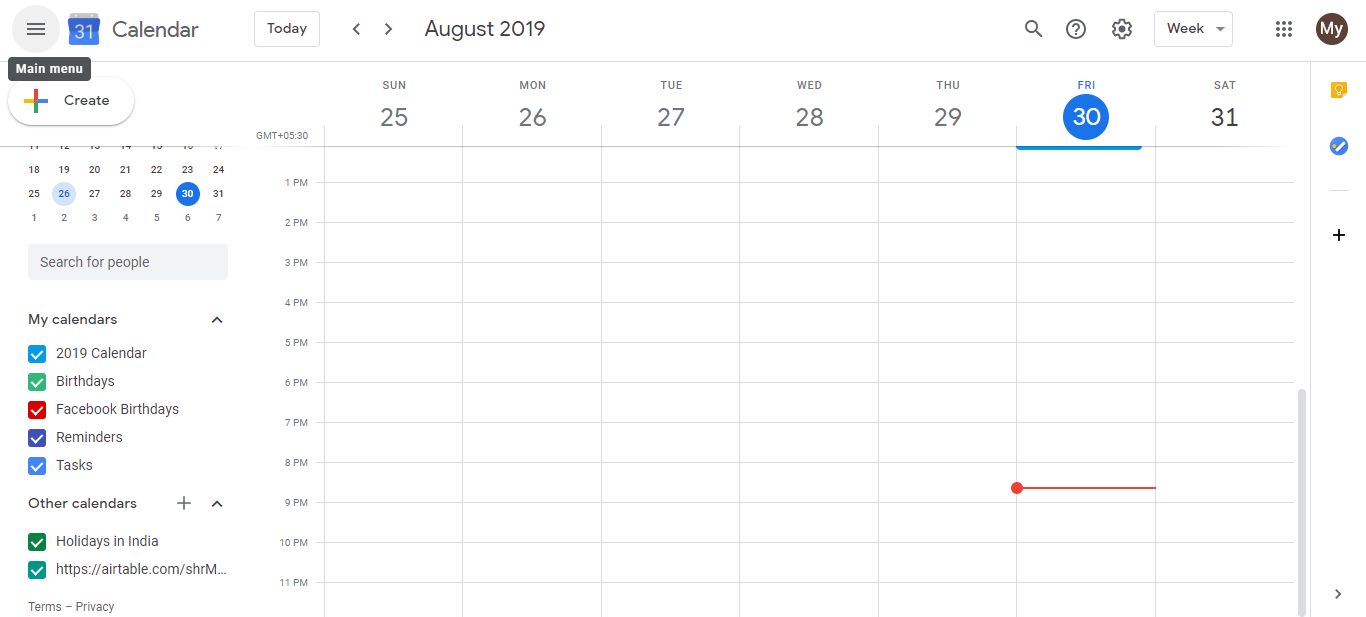
- Click the three-dot menu and select Unsubscribe (if it’s a shared calendar) or Delete (if you created it).
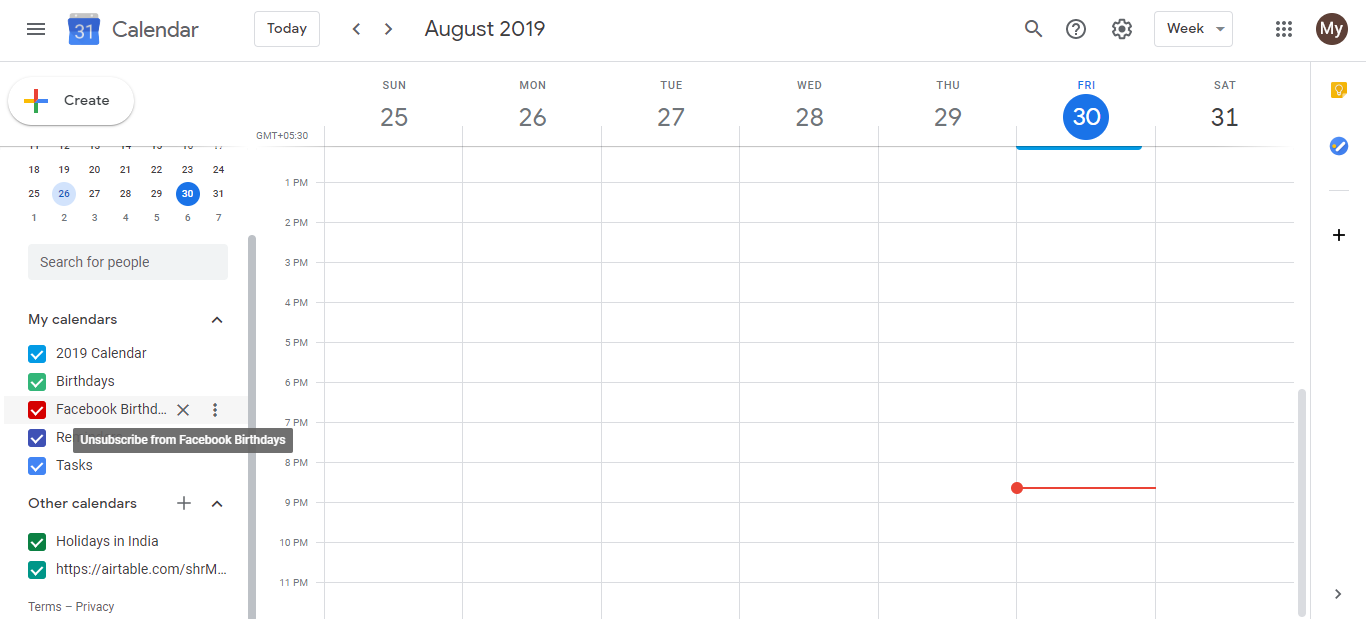
The Facebook Birthdays calendar will disappear from your calendar list immediately.
Note: If the calendar doesn’t appear in your left sidebar, Facebook birthdays were already removed or never synced to your account. No action needed.
If you still see individual birthday events:
If you see scattered birthday reminders from the old Facebook sync, you have two options:
- Delete individual events: Click each event, click Delete event, and confirm.
- Check for hidden calendars: Look at the left sidebar. You may have hidden a birthday-related calendar instead of deleting it. If so, hover over it and click the three-dot menu to fully remove it.
Going forward: Use Google Contacts to add birthdays for people you want reminders about. Google Calendar will automatically show those birthdays and send you reminders without the complexity of synced calendars.