How to export all the past Facebook events to Google Calendar?
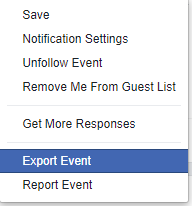
Facebook discontinued its event export feature in 2019–2020. There’s no bulk export tool anymore, and you can’t pull past events directly from Facebook to Google Calendar in one go.
If you have a few important past events:
- Find them in Facebook. Go to Facebook > Events > Filters > Past events.
- Note the details. For each event, write down: date, start time, end time, location, and any notes.
- Add to Google Calendar. Click the + Create button in Google Calendar, enter the details, and save.
This takes ~2 minutes per event. If you attended 10 events, that’s 20 minutes total. Most people just add the important ones rather than importing years of old data.
If you have many past events and want to use CSV import:
Organize your event list. Create a spreadsheet with these columns exactly as shown:
- Subject (event name)
- Start Date (MM/DD/YYYY)
- Start Time (HH:MM AM/PM)
- End Date (MM/DD/YYYY)
- End Time (HH:MM AM/PM)
- All Day Event (TRUE/FALSE)
- Description (optional)
- Location (optional)
- Private (TRUE/FALSE)
Example row:
Birthday Party, 05/15/2023, 6:00 PM, 05/15/2023, 9:00 PM, FALSE, Sarah’s birthday celebration, Home, FALSEExport as CSV. Save the spreadsheet as a .csv file.
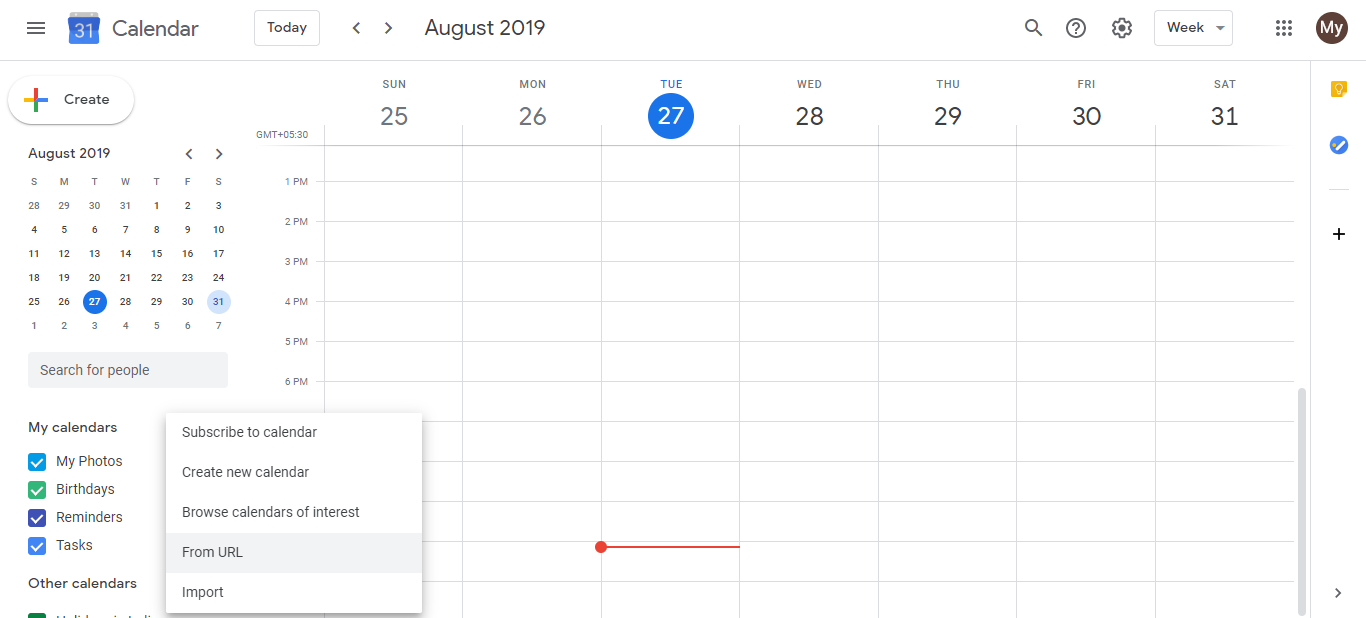
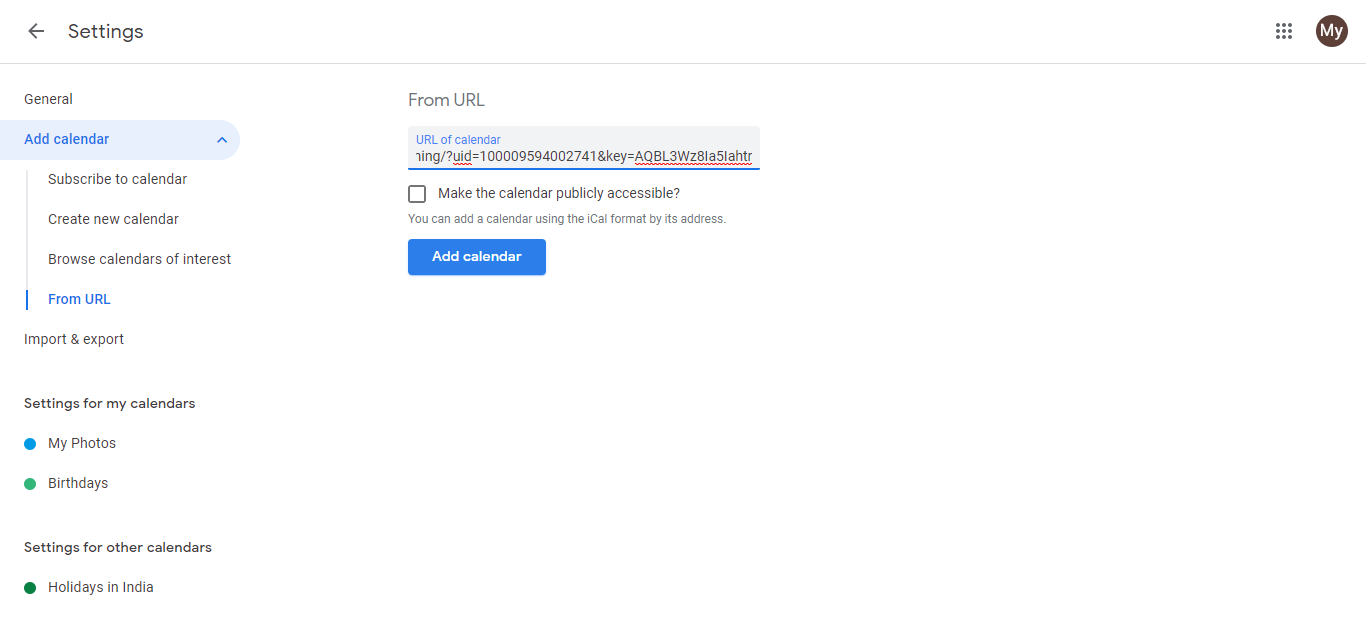
Import into Google Calendar. Open Google Calendar > Settings > Import & Export > Import events > choose your CSV file > Import.
Google Calendar will add all the events to your calendar.
Going forward: Add events to Google Calendar as you attend them. This keeps your calendar accurate and saves you from bulk-import work later.