How to add Facebook events to Google Calendar?
Published
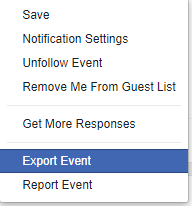
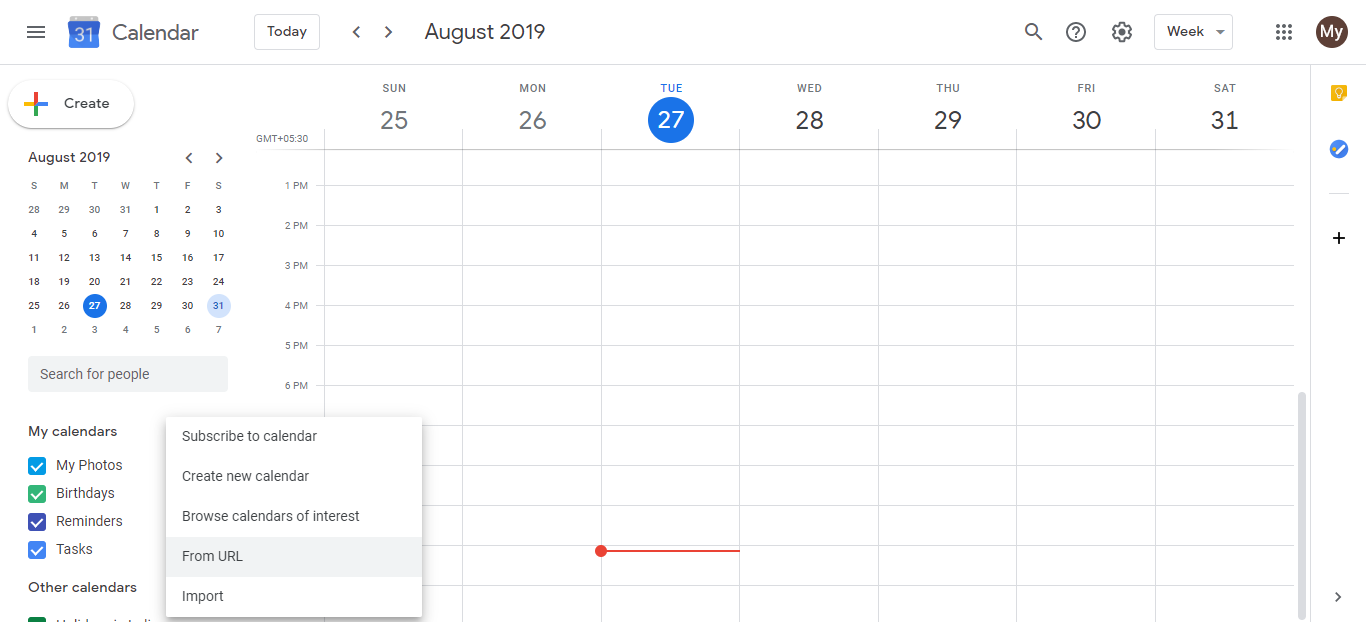
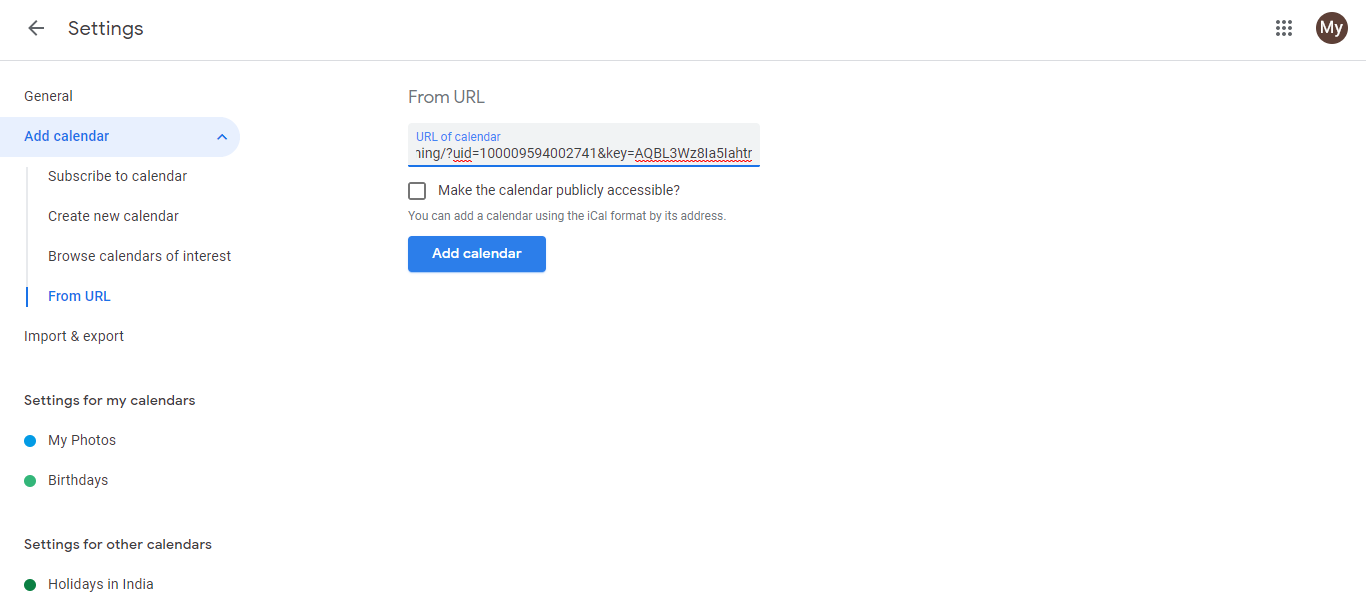
Facebook no longer supports exporting events to outside calendar apps. In 2019–2020, Facebook removed the “Export Event” option and the iCal calendar feed that once allowed syncing to Google Calendar.
How to add a Facebook event to Google Calendar:
- Go to the Facebook event page. Find the event on Facebook and open it.
- Note the details. Check the date, start time, end time, location, and any relevant description.
- Open Google Calendar. Go to calendar.google.com and find the date where you want to add the event.
- Create the event. Click the + Create button or click directly on the date/time.
- Fill in the details. Enter the event title, date, time, location, and description.
- Save. Click Save.
Why manually add events?
Manual entry takes two minutes per event and gives you control. Your Google Calendar becomes the source of truth for your schedule, not scattered across multiple apps. If you attend frequent Facebook events, the few minutes spent adding them prevents double-bookings and missed events.
Third-party automation:
Some automation tools (Zapier, Make, IFTTT) claim to sync Facebook events, but they typically require:
- Granting your Facebook account broad permissions
- Paid plans for reliable syncing
- Ongoing maintenance if Facebook changes their API
For most people, manual entry is more secure and less hassle.
Frequently asked questions about How to add Facebook events to Google Calendar?
Can I sync Facebook events automatically?
No. Facebook removed the export and iCal feed features in 2019–2020. There is no automatic sync between Facebook and Google Calendar anymore.
Are there third-party tools that sync Facebook events?
Some tools like Zapier claim to sync Facebook events, but they require granting extensive permissions to your Facebook account. Most require paid plans. Manual entry is usually simpler and more secure.
What’s the best way to keep track of Facebook events?
Use Google Calendar for events you want to attend. For events you’re just browsing or deciding on, check Facebook’s Events tab directly. That’s the authoritative source.
Can I export multiple Facebook events at once?
No bulk export is available. If you attend many Facebook events, manually adding the important ones to Google Calendar takes a few minutes per week.